
Add Manual Sales For An Affiliate Action
Summary:
The "Add Manual Sales For An Affiliate" action streamlines the commission process for your affiliates by automating the calculation based on the campaign's default settings
The "Add Manual Sales For An Affiliate" action streamlines the commission process for your affiliates by automating the calculation based on the campaign's default settings. This ensures timely and accurate rewards for your affiliates, eliminating the need for constant manual verification. By integrating this action into your workflow, you can efficiently manage affiliate-driven sales and maintain a steady flow of rewards for lead generation.
To implement this, simply add a new action to your workflow and select "Add Manual Sales For An Affiliate" from the action menu.
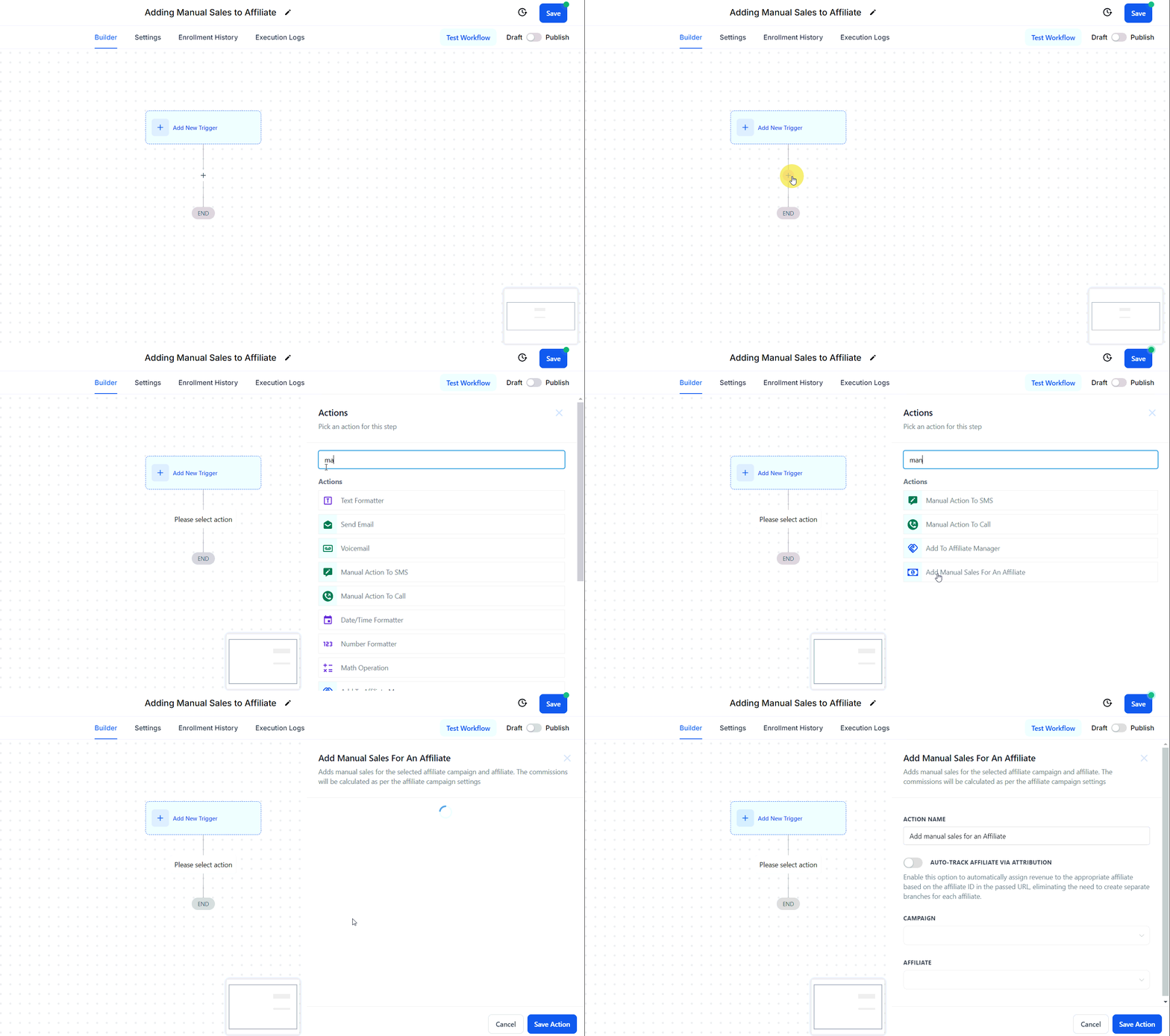
Action Name
Adjust the name of the action in this section to better align with its intended purpose.
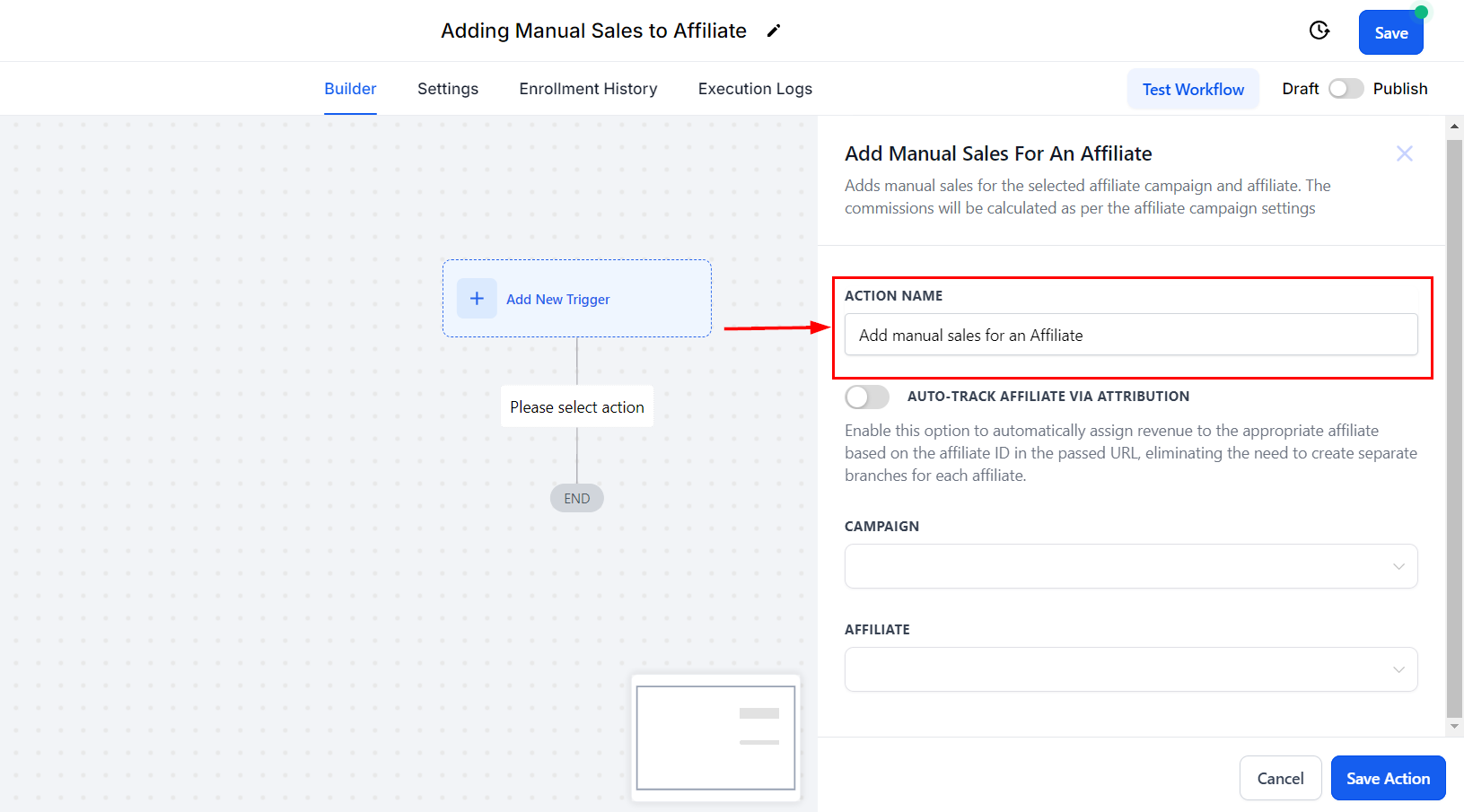
Auto-Track Affiliate Via Attribution
Enable this option to automatically allocate revenue to the correct affiliate by using the affiliate ID in the passed URL, removing the need to create separate branches for each affiliate.
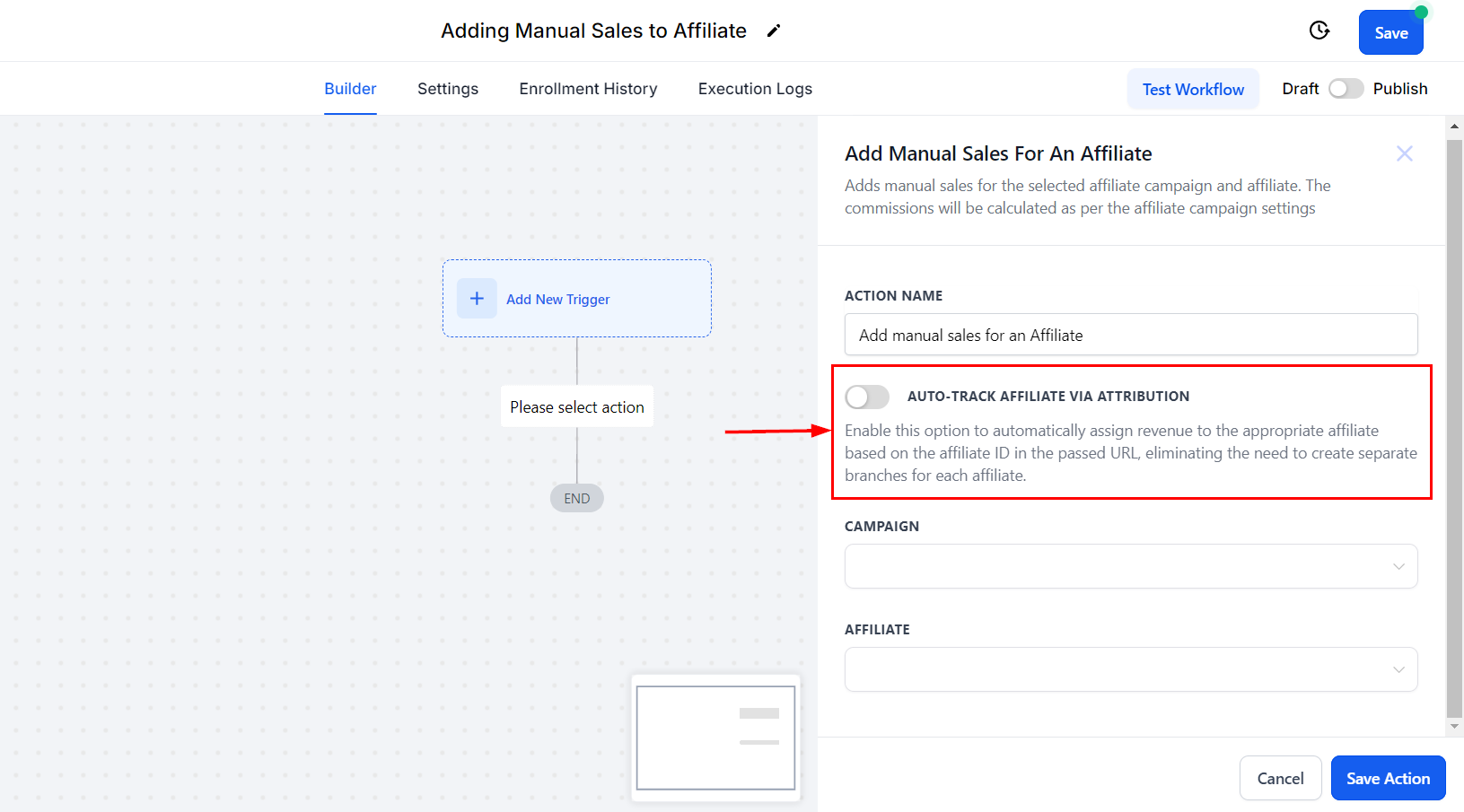
This feature enhances workflow efficiency by automatically identifying affiliates through their ID in the URL, eliminating the need to create separate branches for each affiliate. Additionally, it ensures accurate commission tracking by calculating and assigning commissions according to the campaign's default settings.
Attribution Source
If you choose to enable the Auto-Track Affiliate Via Attribution feature, select whether to use the First or Latest Attribution.
✍️Recall:
- First Attribution refers to the initial interaction a contact has with our system. When this occurs, we record attribution data for that specific session. For example, when someone fills out a form, it marks their first interaction.
- Latest Attribution captures the most recent interaction a contact has with us. This data is recorded for the latest session. For instance, if after filling out a form, the contact later purchases a product through a Two-Step Order Form, the latest attribution data will be documented at that time.
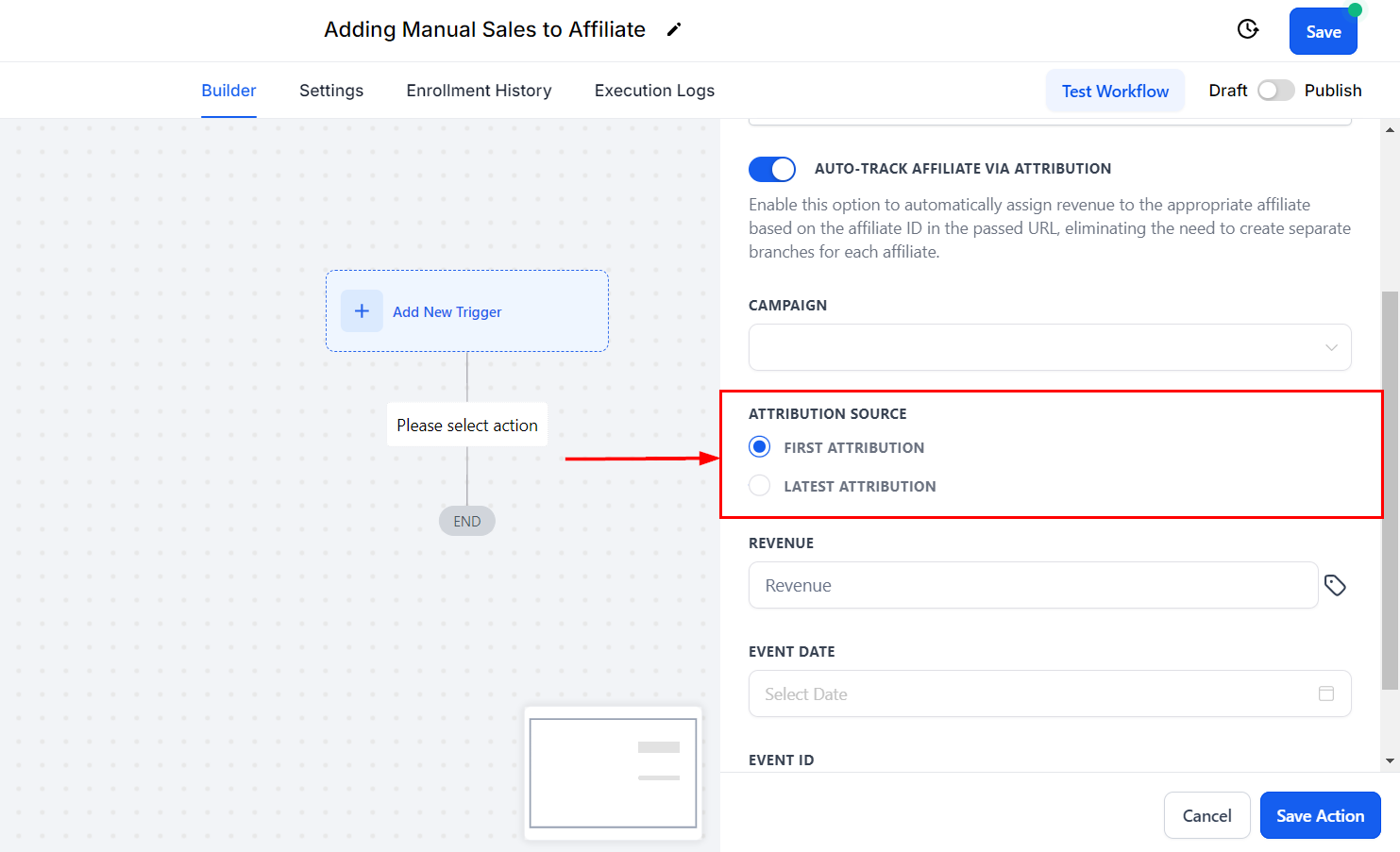
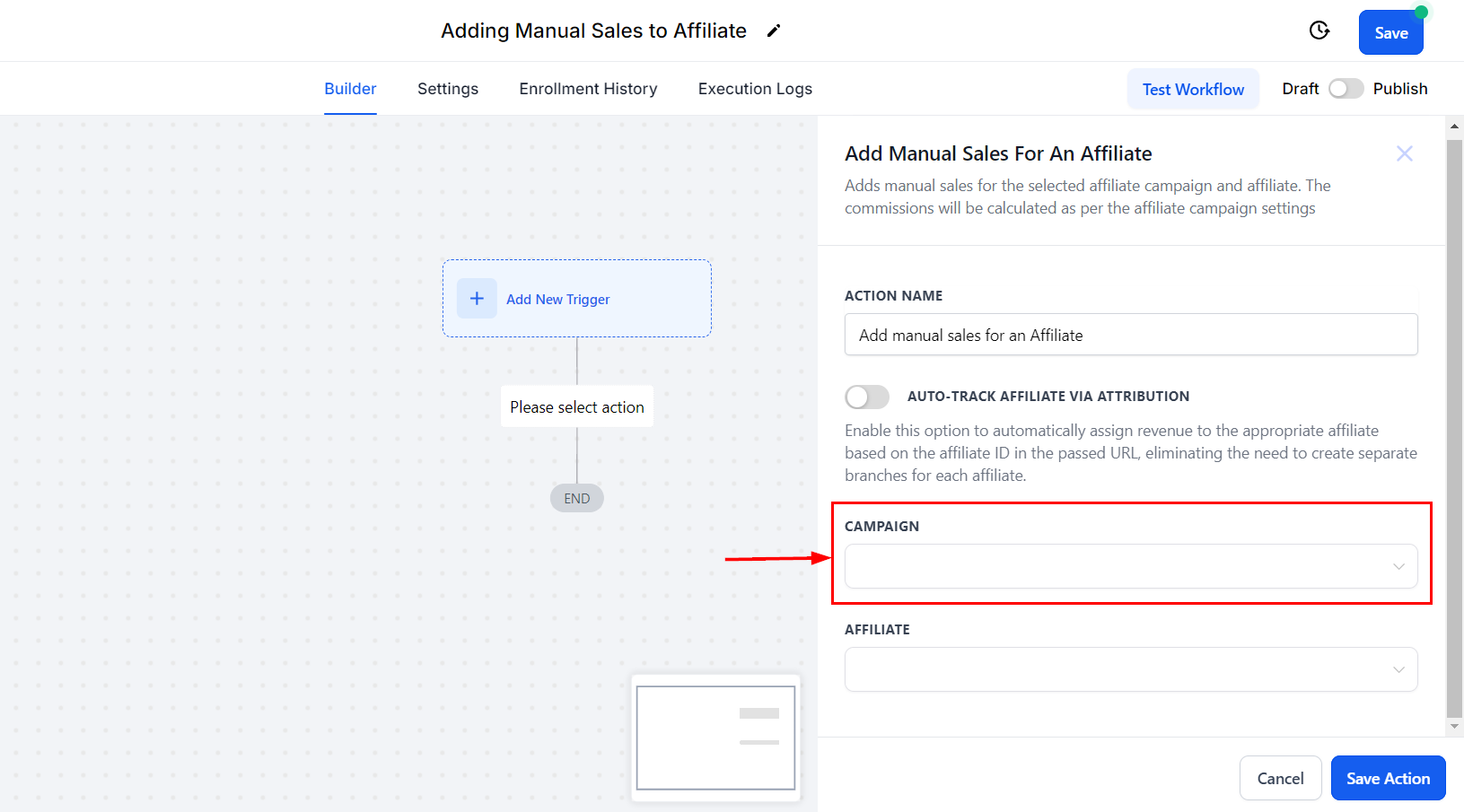
Campaign
Select the affiliate campaign from the drop-down menu.
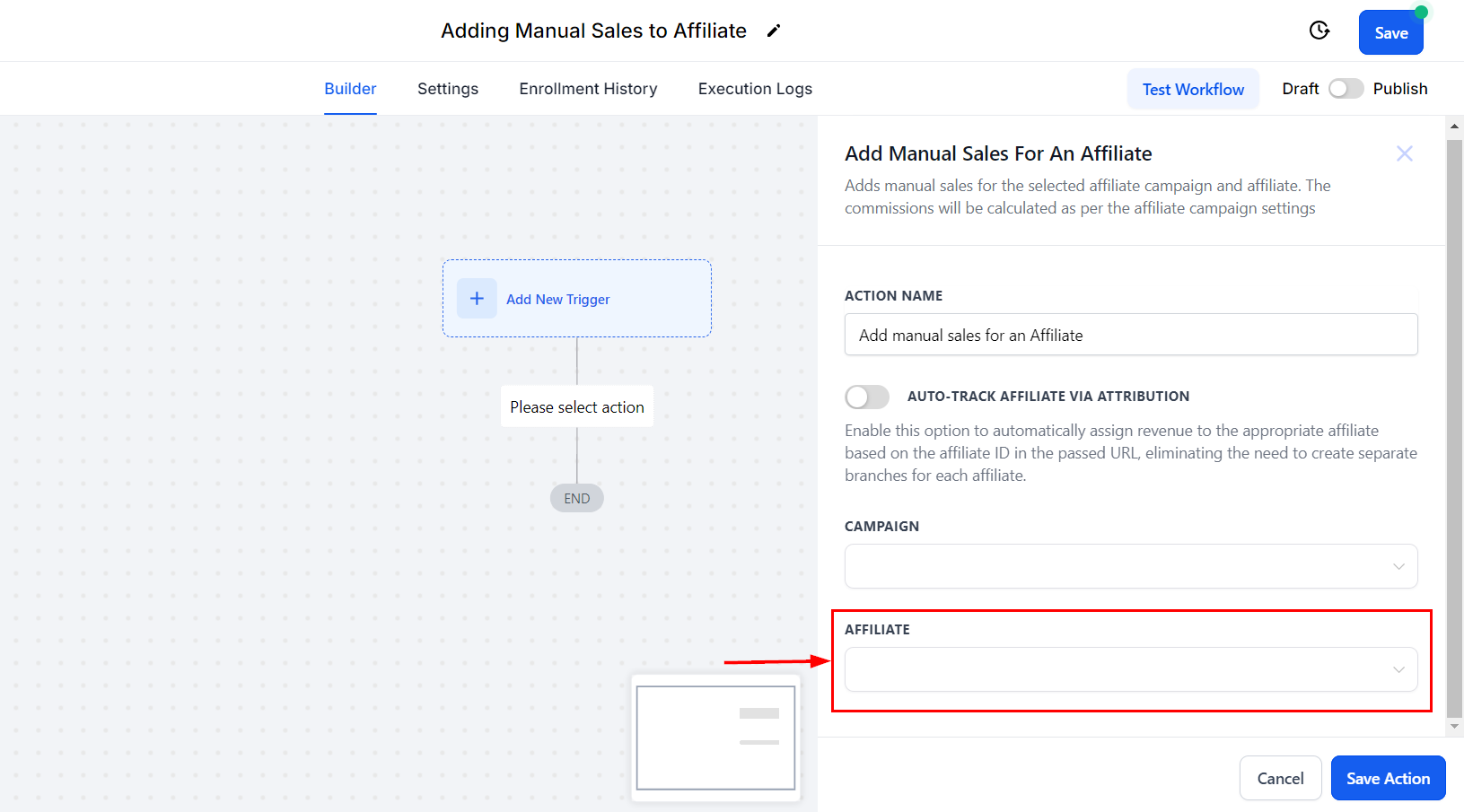
Affiliate
If you do not wish to enable the Auto-Track Affiliate Via Attribution feature, select the affiliate you want to assign the sales to.
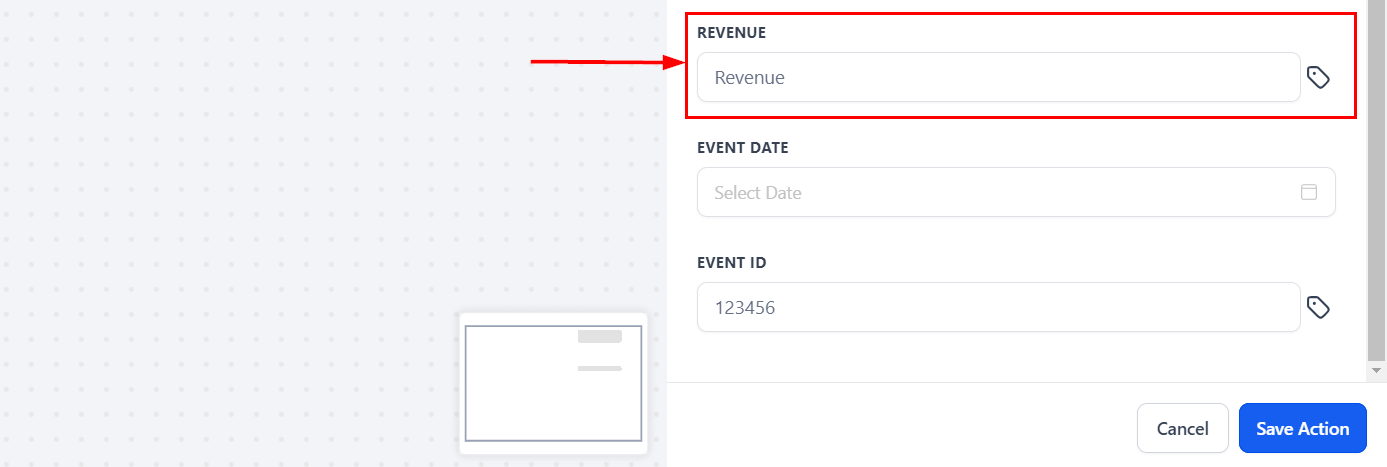
Revenue
Set the revenue, this will be used to define the amount the affiliate will receive for this commission.
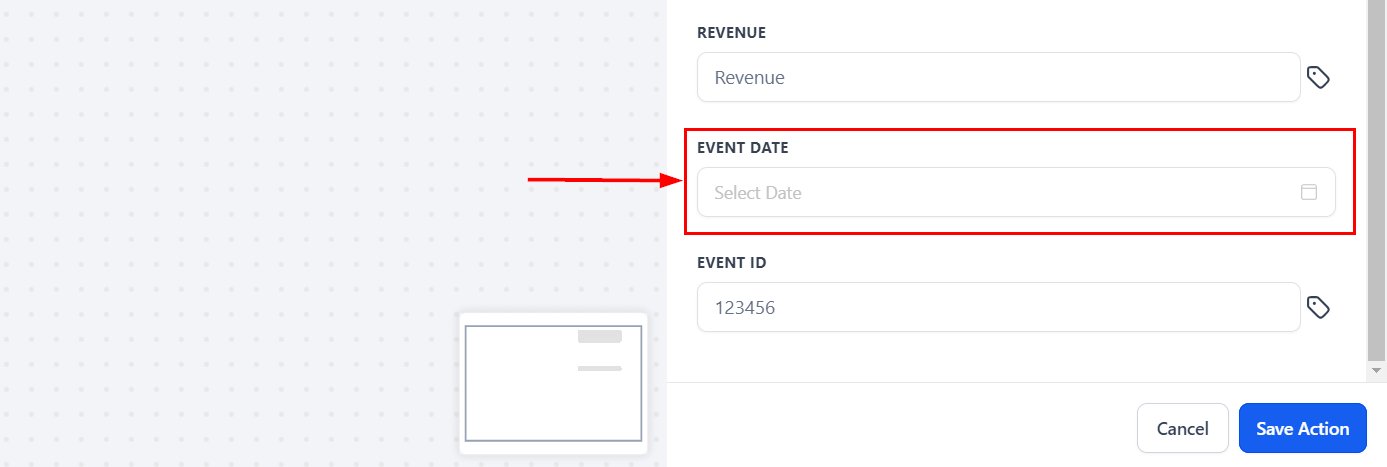
Event Date
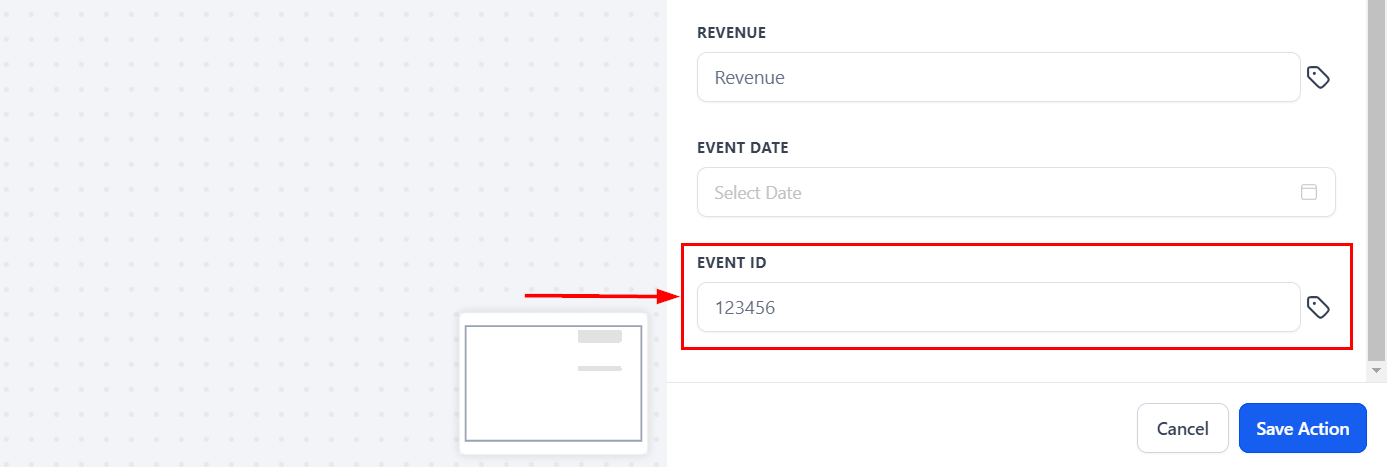
Set the event date (when the sale happened) and event ID, this will help you identify the commission source better. However, you can leave these fields empty and the action will still work normally.
The "Add Manual Sales For An Affiliate" action streamlines the commission process for your affiliates by automating the calculation based on the campaign's default settings. This ensures timely and accurate rewards for your affiliates, eliminating the need for constant manual verification. By integrating this action into your workflow, you can efficiently manage affiliate-driven sales and maintain a steady flow of rewards for lead generation.
To implement this, simply add a new action to your workflow and select "Add Manual Sales For An Affiliate" from the action menu.
Action Name
Adjust the name of the action in this section to better align with its intended purpose.
Auto-Track Affiliate Via Attribution
Enable this option to automatically allocate revenue to the correct affiliate by using the affiliate ID in the passed URL, removing the need to create separate branches for each affiliate.
This feature enhances workflow efficiency by automatically identifying affiliates through their ID in the URL, eliminating the need to create separate branches for each affiliate. Additionally, it ensures accurate commission tracking by calculating and assigning commissions according to the campaign's default settings.
Attribution Source
If you choose to enable the Auto-Track Affiliate Via Attribution feature, select whether to use the First or Latest Attribution.
✍️Recall:
- First Attribution refers to the initial interaction a contact has with our system. When this occurs, we record attribution data for that specific session. For example, when someone fills out a form, it marks their first interaction.
- Latest Attribution captures the most recent interaction a contact has with us. This data is recorded for the latest session. For instance, if after filling out a form, the contact later purchases a product through a Two-Step Order Form, the latest attribution data will be documented at that time.
Campaign
Select the affiliate campaign from the drop-down menu.
Affiliate
If you do not wish to enable the Auto-Track Affiliate Via Attribution feature, select the affiliate you want to assign the sales to.
Revenue
Set the revenue, this will be used to define the amount the affiliate will receive for this commission.
Event Date
Set the event date (when the sale happened) and event ID, this will help you identify the commission source better. However, you can leave these fields empty and the action will still work normally.
Save the action to complete the process. You can now automate recurring manual commissions, ensure that all sales are tracked—even those occurring offline—and reward affiliate engagement and promotion effectively!