
How To Add/Update Opportunities For Multiple Contacts
Summary:
The Add/Update Opportunity bulk action enables you to seamlessly add or update contacts in your pipeline.
The Add/Update Opportunity feature enables you to seamlessly add or update contacts in your pipeline. By selecting the contacts you wish to manage and choosing the appropriate pipeline and stage, you can streamline the process of tracking and managing your opportunities. This feature ensures that you can efficiently move multiple contacts, update critical details, and keep your opportunity list organized and clear.
Add/Update Opportunity
Start by selecting the contacts you want to manage and click the funnel icon.
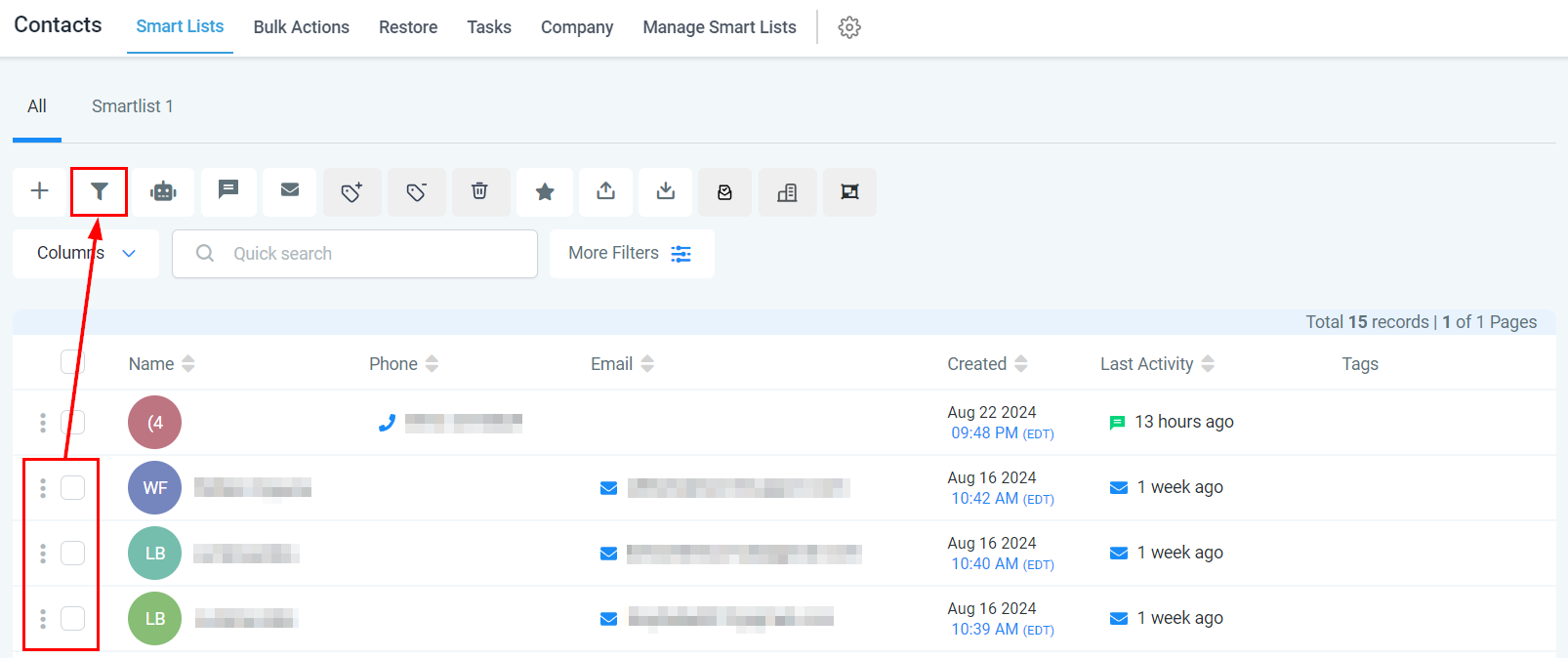
Select Pipeline
Choose the pipeline where you want these contacts to be placed from the dropdown.
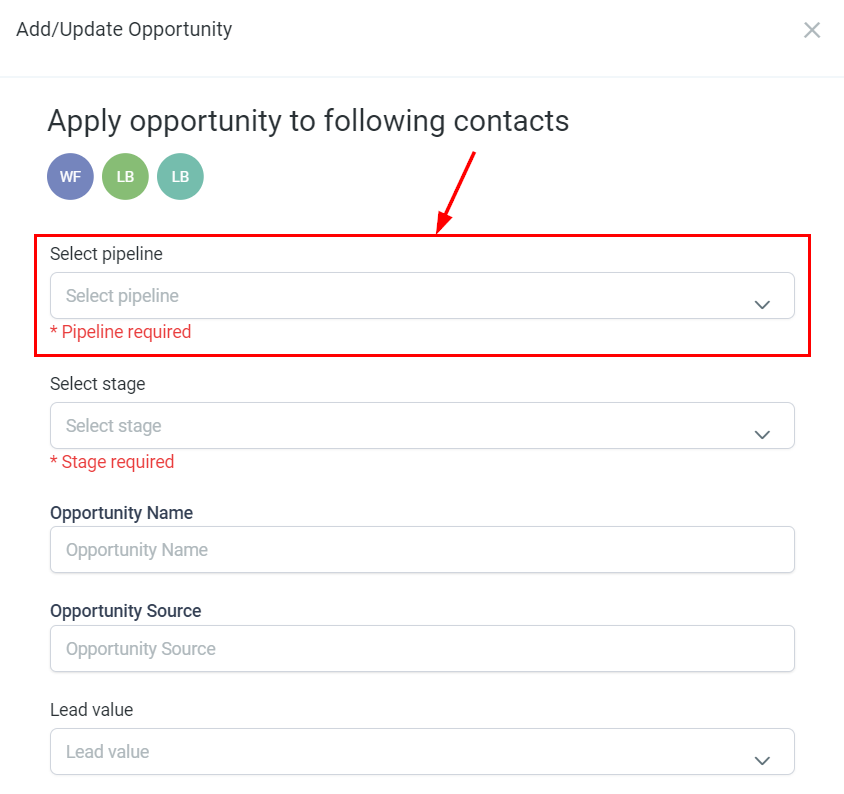
Select Stage
From the actions dropdown, select the corresponding Pipeline stage.
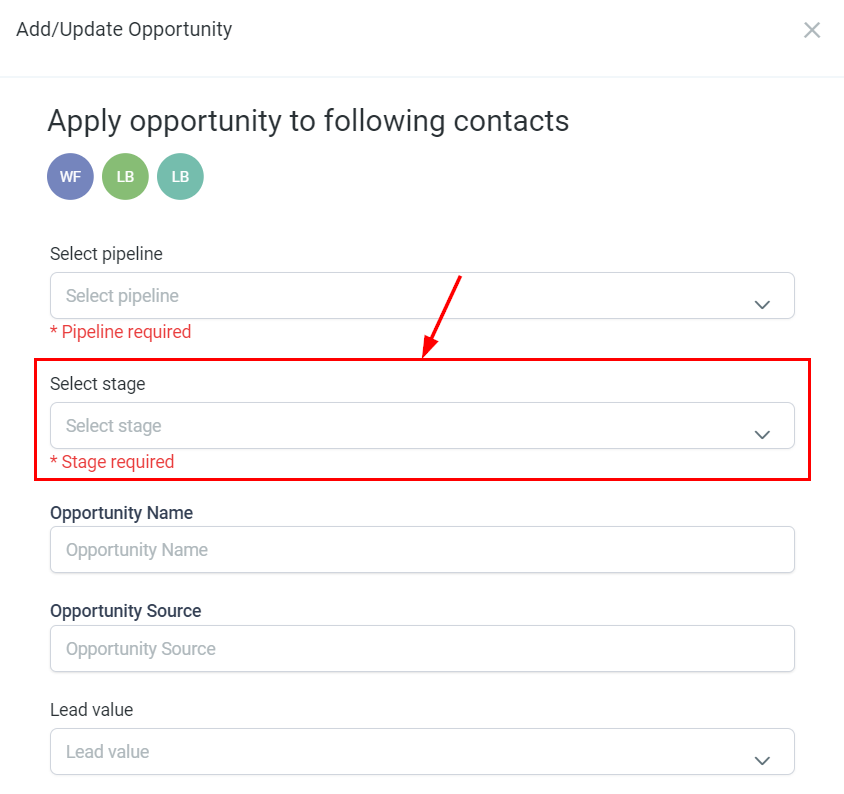
Opportunity Name
Enter a name for the opportunity that will be displayed on the opportunity card, distinct from the contact name.
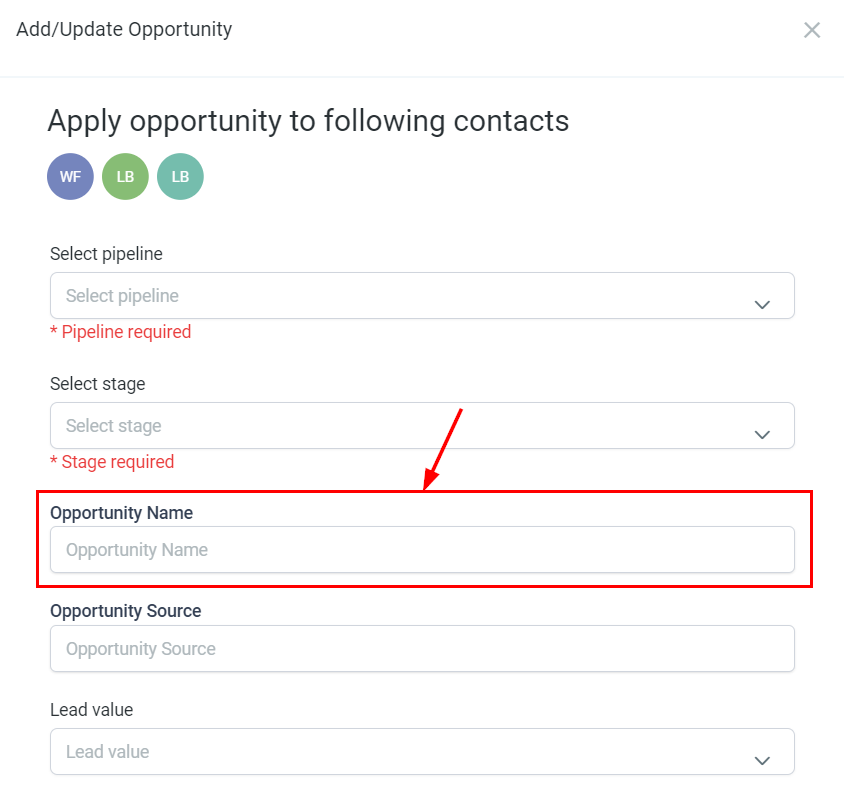
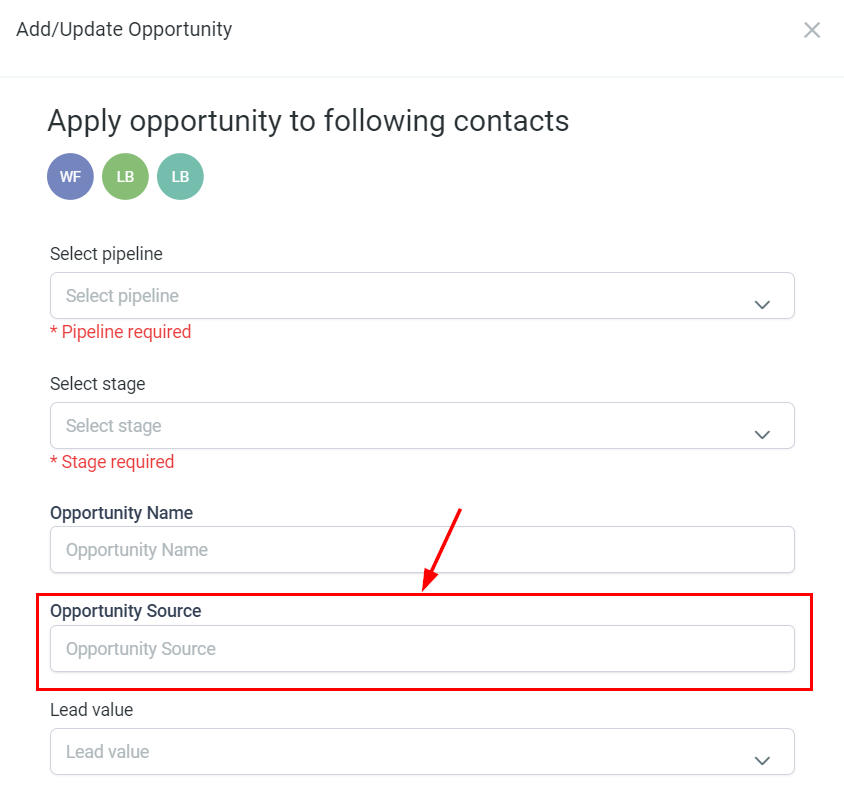
Opportunity Source
Specify the source from which you acquired the contact.
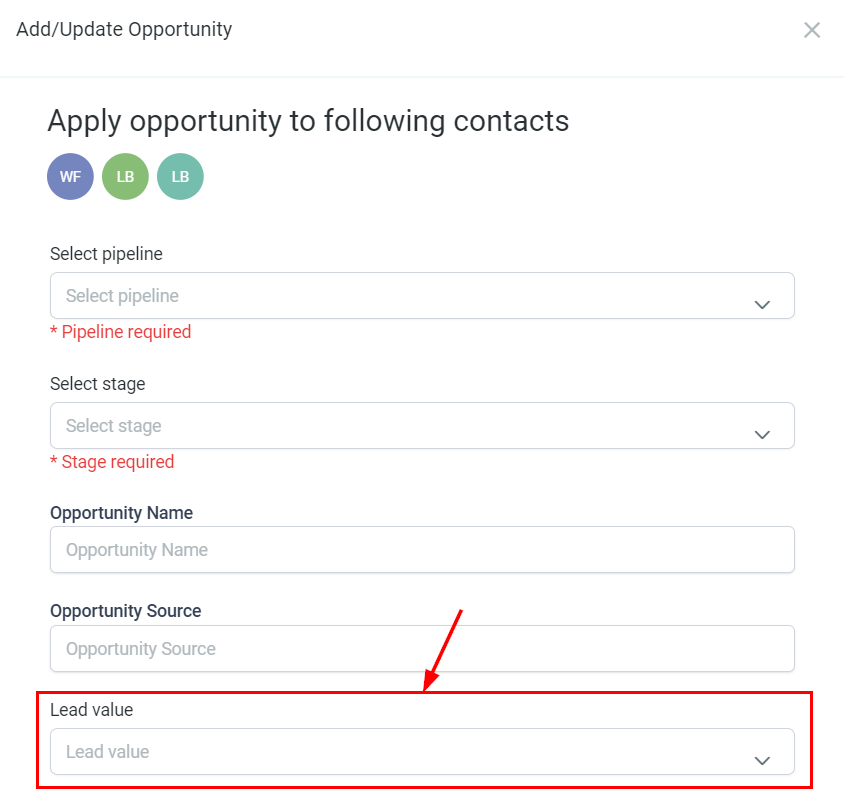
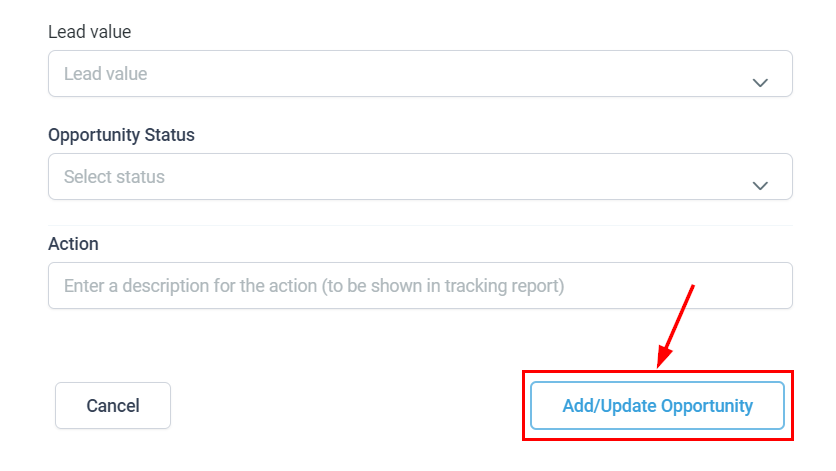
Lead Value
Input the estimated value of the potential sale. This value will be added to your revenue once the opportunity is won.
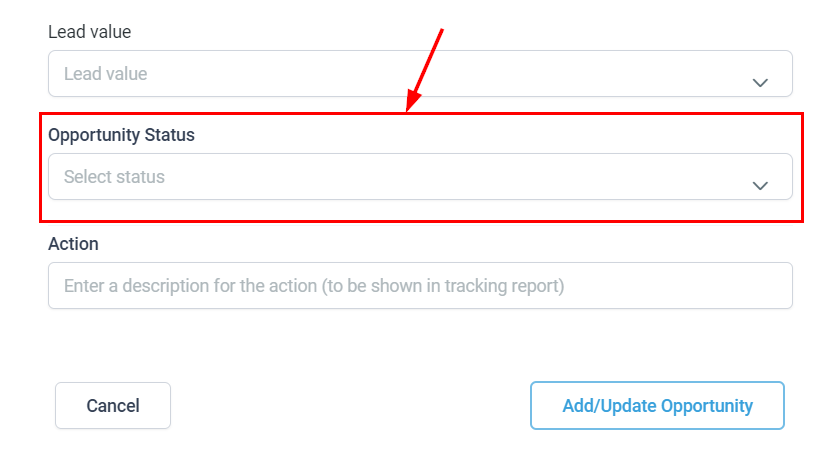
Opportunity Status
Select the desired status for the opportunity.
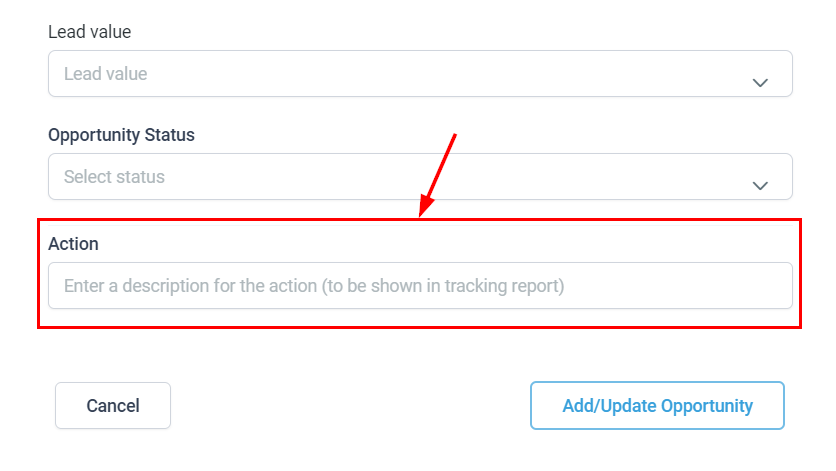
Action
Provide a descriptive name for this action, which will be shown in the tracking report.
Save
Finally, click the Apply/Update Opportunity button to apply your updates.
This feature allows you to efficiently move multiple contacts with a single click, maintaining organization and clarity throughout your opportunity list.