
Affiliate Campaign
Summary:
The features within the Affiliate Campaign section collectively support the efficient management and optimization of your affiliate marketing campaigns, ensuring you can effectively track, modify, and enhance your marketing strategies.
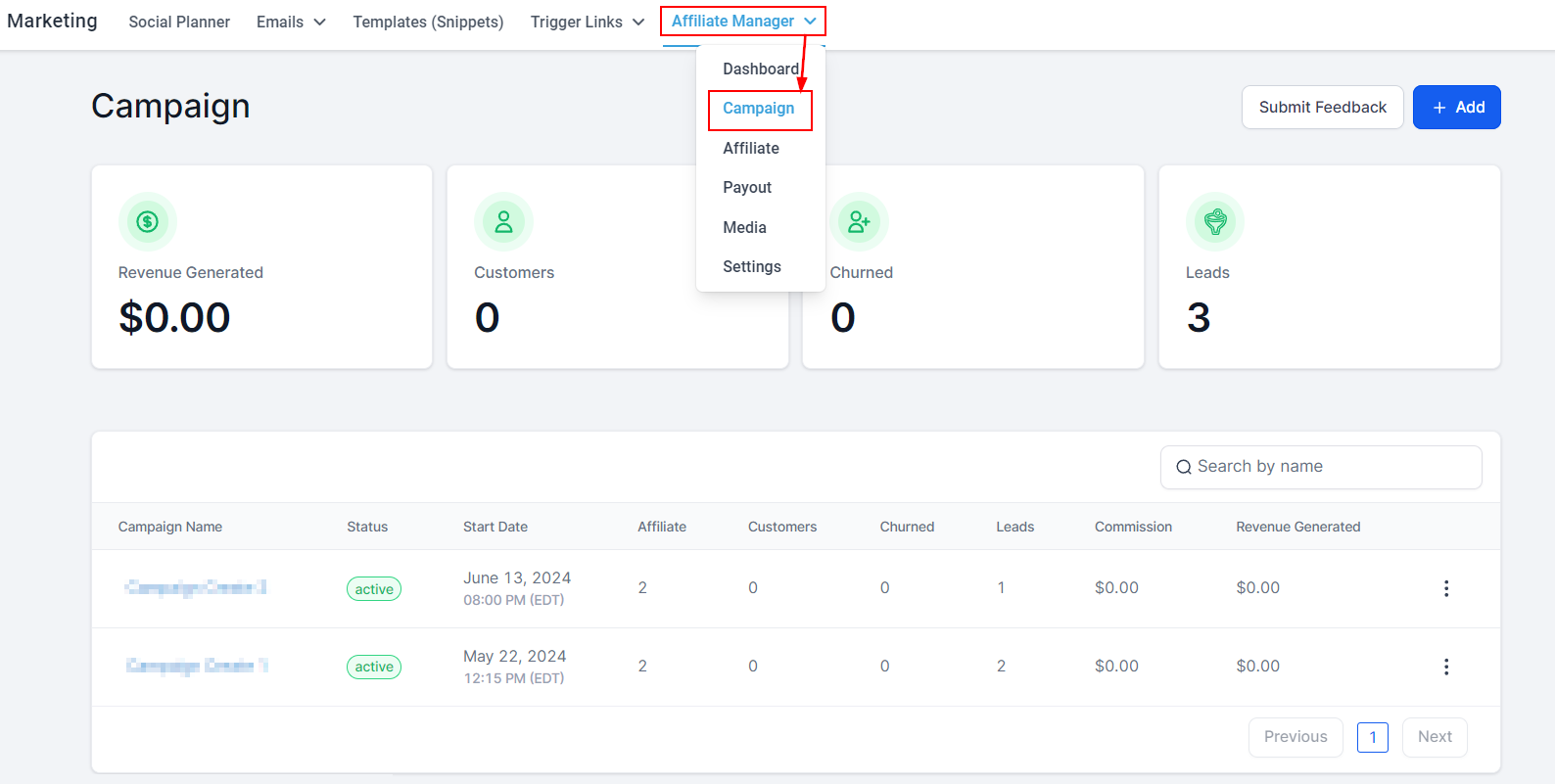
In the Overview section of the affiliate marketing campaign, you can quickly get a view of your affiliate campaign activities. The dashboard provides essential information on revenue generated and the number of customers invited through your affiliate links.
Add New Campaign
To create a new Affiliate Campaign, click on the '+Add' button. This directs you to the campaign editor's page.

Revenue Generated
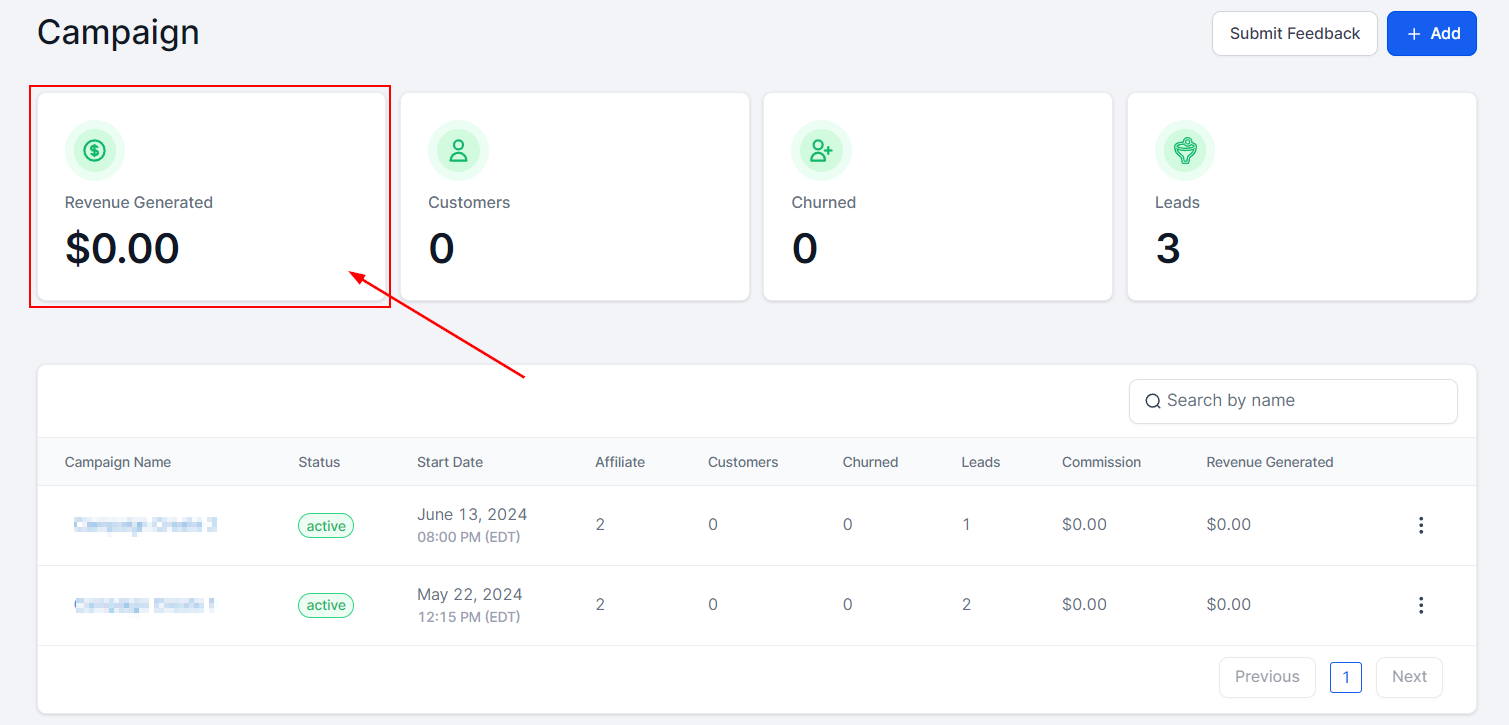
The Revenue Generated tab allows you to view the total revenue generated across all campaigns, giving you an insight into the overall performance of your campaign.
Customers
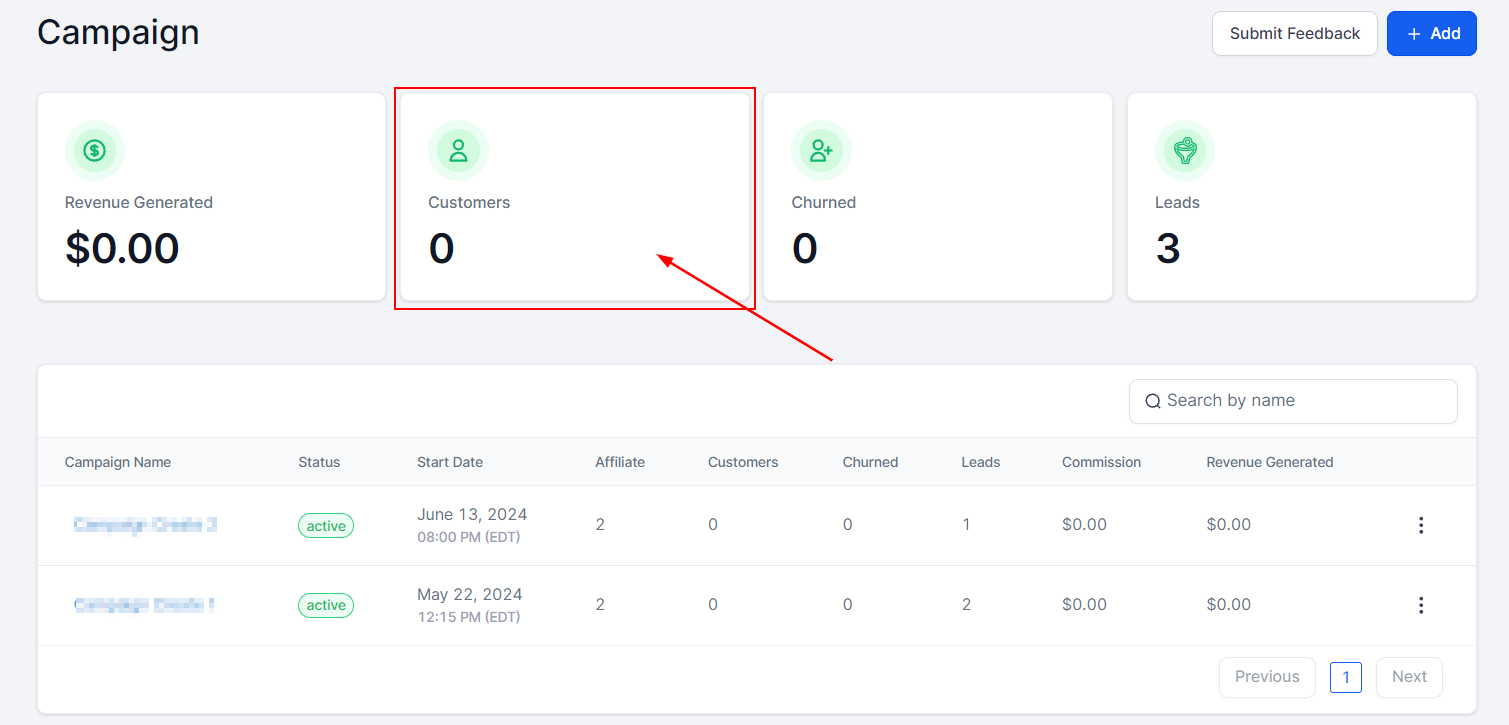
The Customers tab displays the number of customers invited through the links of your affiliates. This includes recurring or one-time-based customers.
Churned
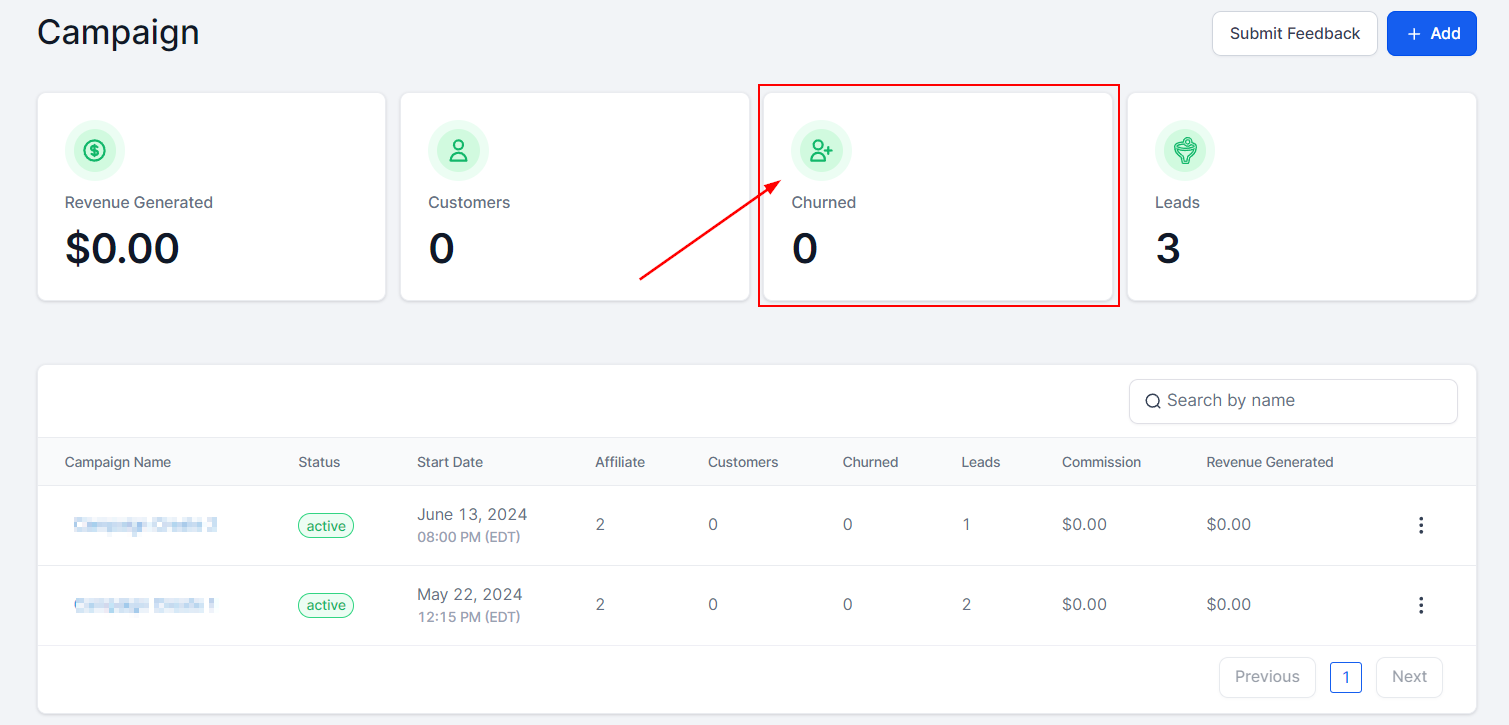
When a lead cancels their subscription, they move into the Churned category. These leads can be reactivated by initiating another checkout or enrolling them again in Stripe. Note that only recurring customers who have canceled are included in the Churned category; one-time customers are not reflected in this category.
Leads
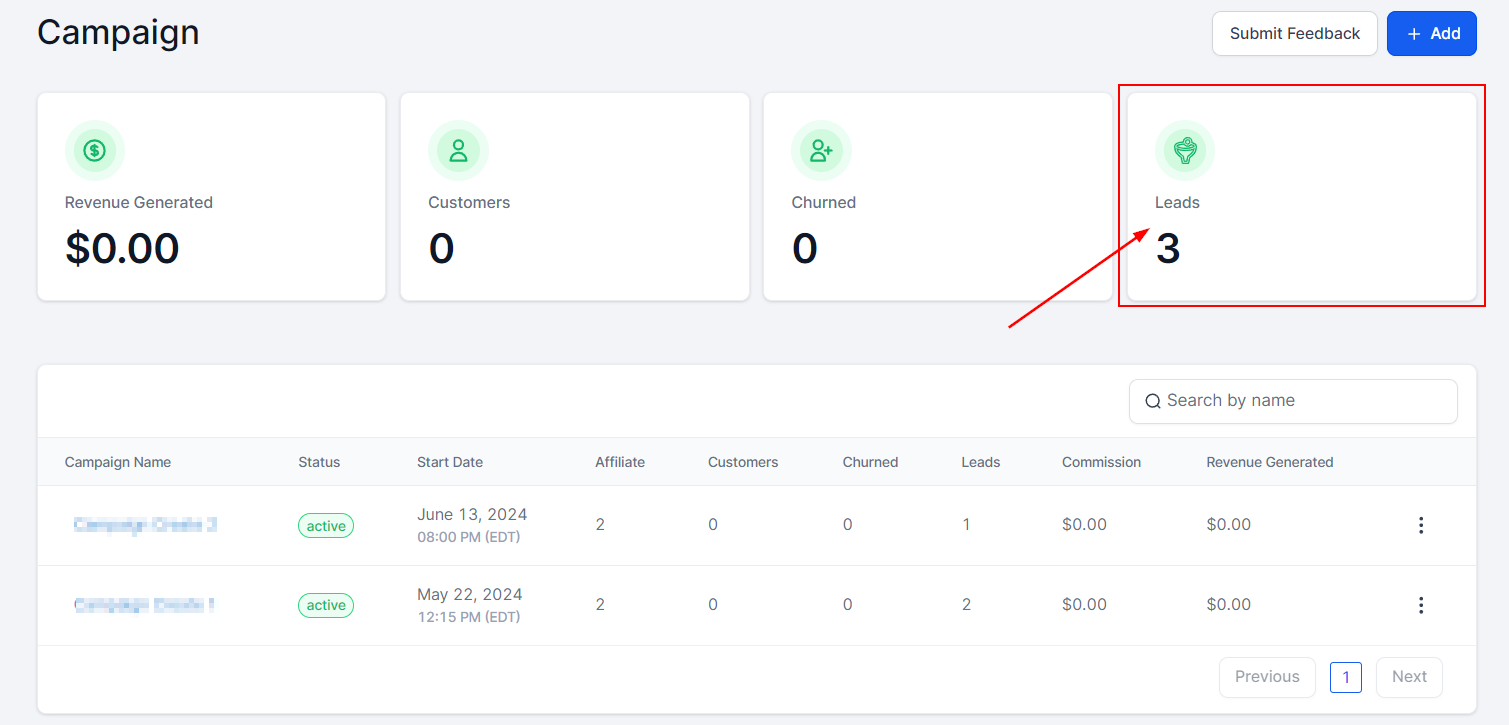
The Leads tab displays potential customers who have already filled out the Two-Step Order Form but did not complete the purchase. This feature provides valuable insights into the performance of your affiliate marketing campaign and supports the effective management of your customer base.
Campaign Table
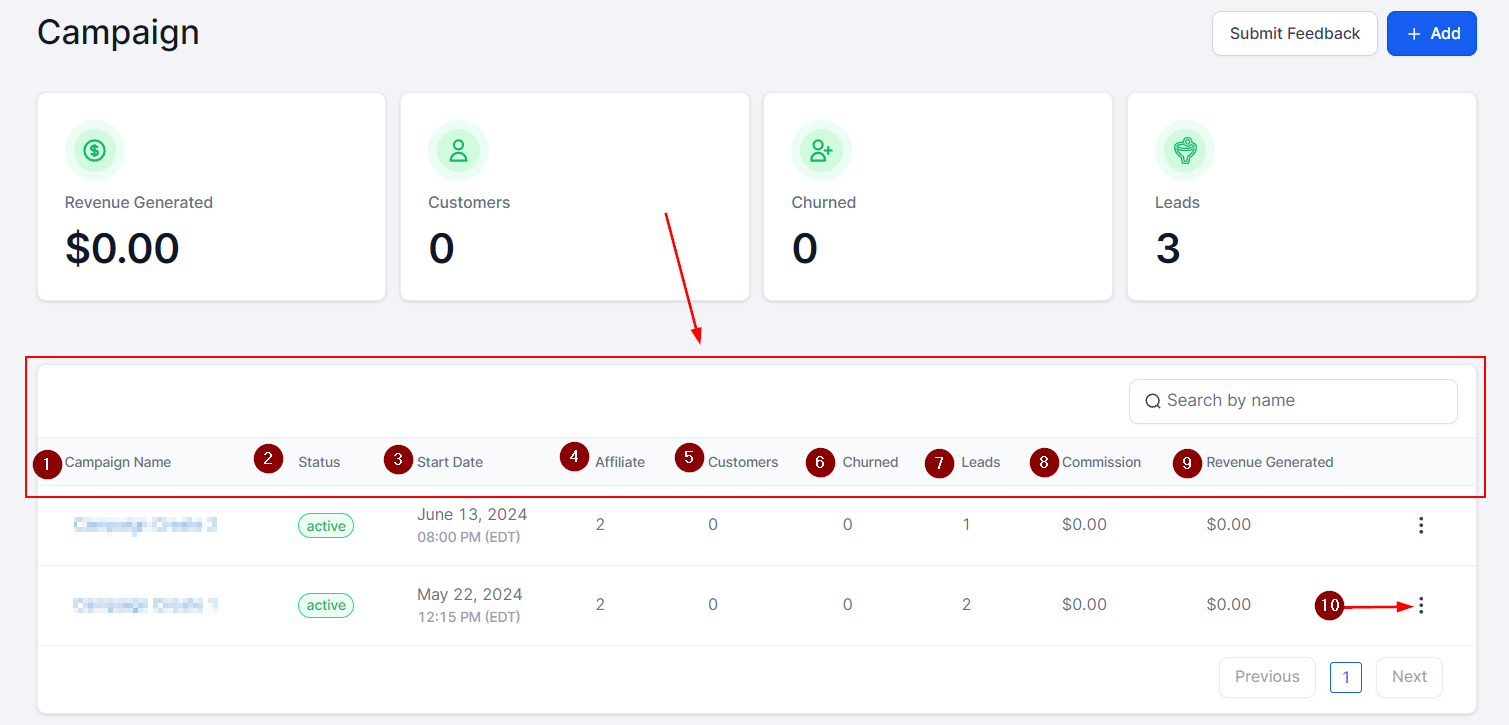
The Campaign Table provides an overview of all your campaigns, making it easy to manage and monitor their performance. Here's a breakdown of the information displayed in the table.
- Campaign Name: Here you will see the unique name to identify each campaign.
- Status: You will see the status of your campaign here. The green indicates that the campaign is 'Live' and the yellow indicates that the campaign is 'Paused'.
- Start Date: The date each campaign went live will be displayed here.
- Affiliates: Here you will see the number of affiliates associated with each campaign.
- Customers: You will see the number of customers invited via the affiliate links here.
- Churned: This section displays the number of recurring customers who canceled their subscriptions.
- Leads: This section displays the number of customers who have already filled out the Two-way Order form but haven’t paid yet.
- Commission: You will see the % commission assigned to each campaign in this section. It will be distributed to every sale that an affiliate makes.
- Revenue Generated: Here you will see the total revenue generated from each campaign.
- More Actions: Here you can edit or delete any of the campaigns you created.
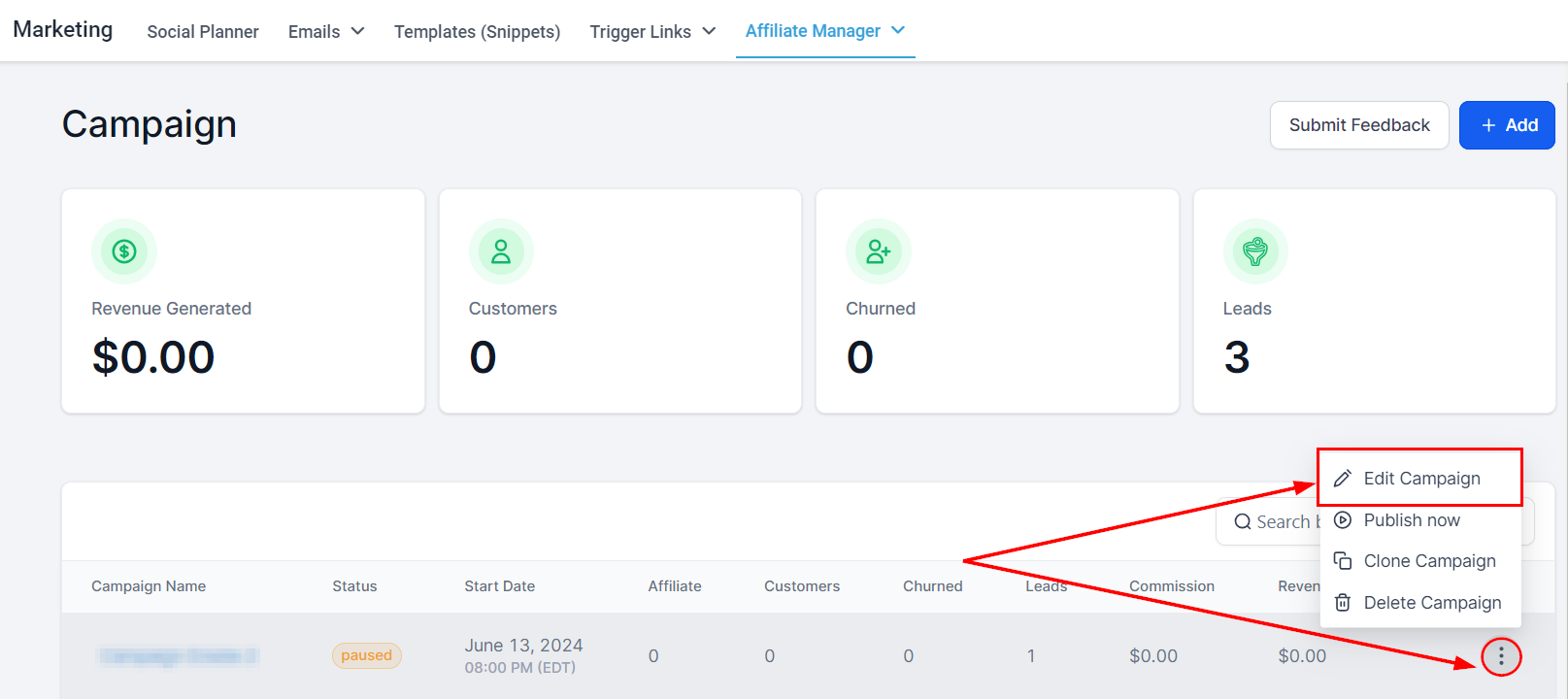
Edit Campaign
Easily modify your campaign by selecting this option from the actions dropdown.
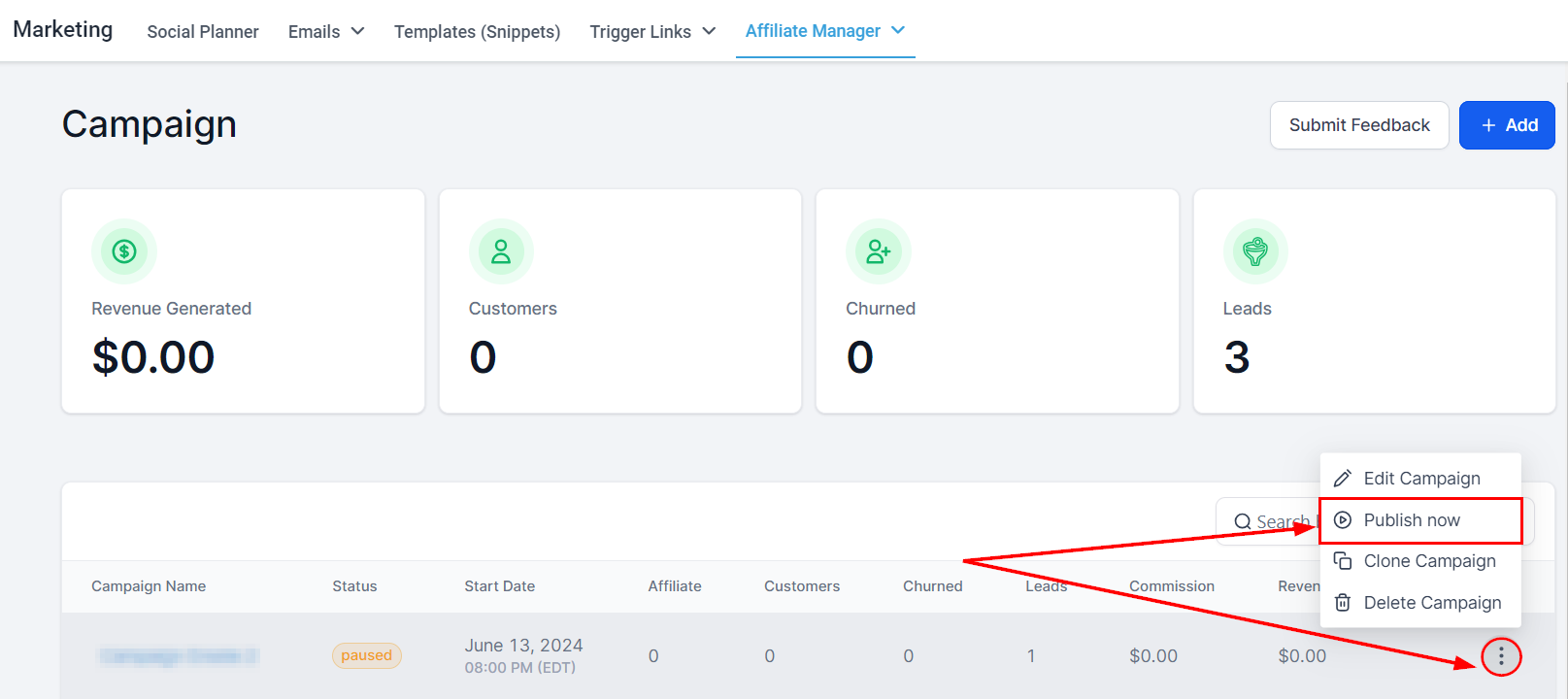
Publish or Draft
Update the campaign status to either "Active" or "Paused" by selecting the “Publish now” or “Save in Draft” option.
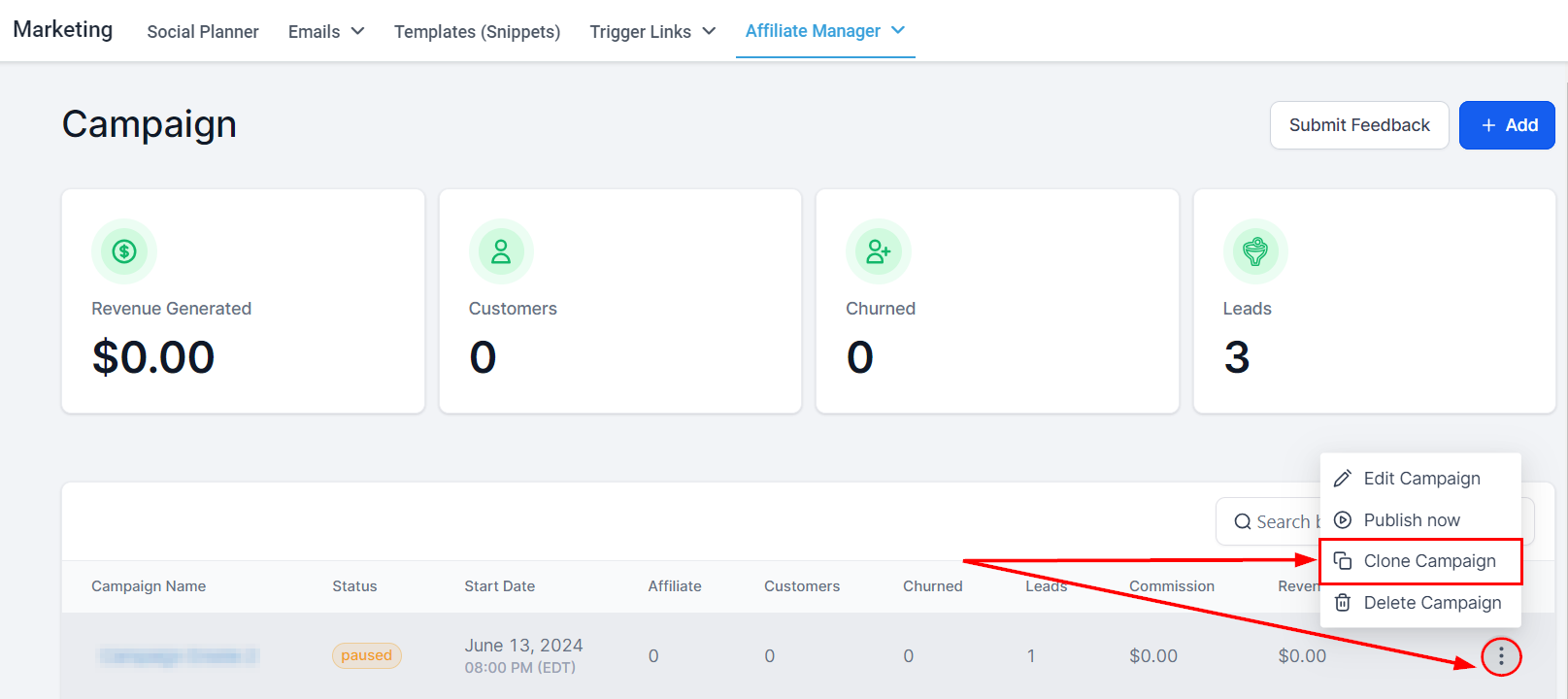
Clone Campaign
Create a duplicate of an existing campaign, facilitating quick adjustments or testing without altering the original.
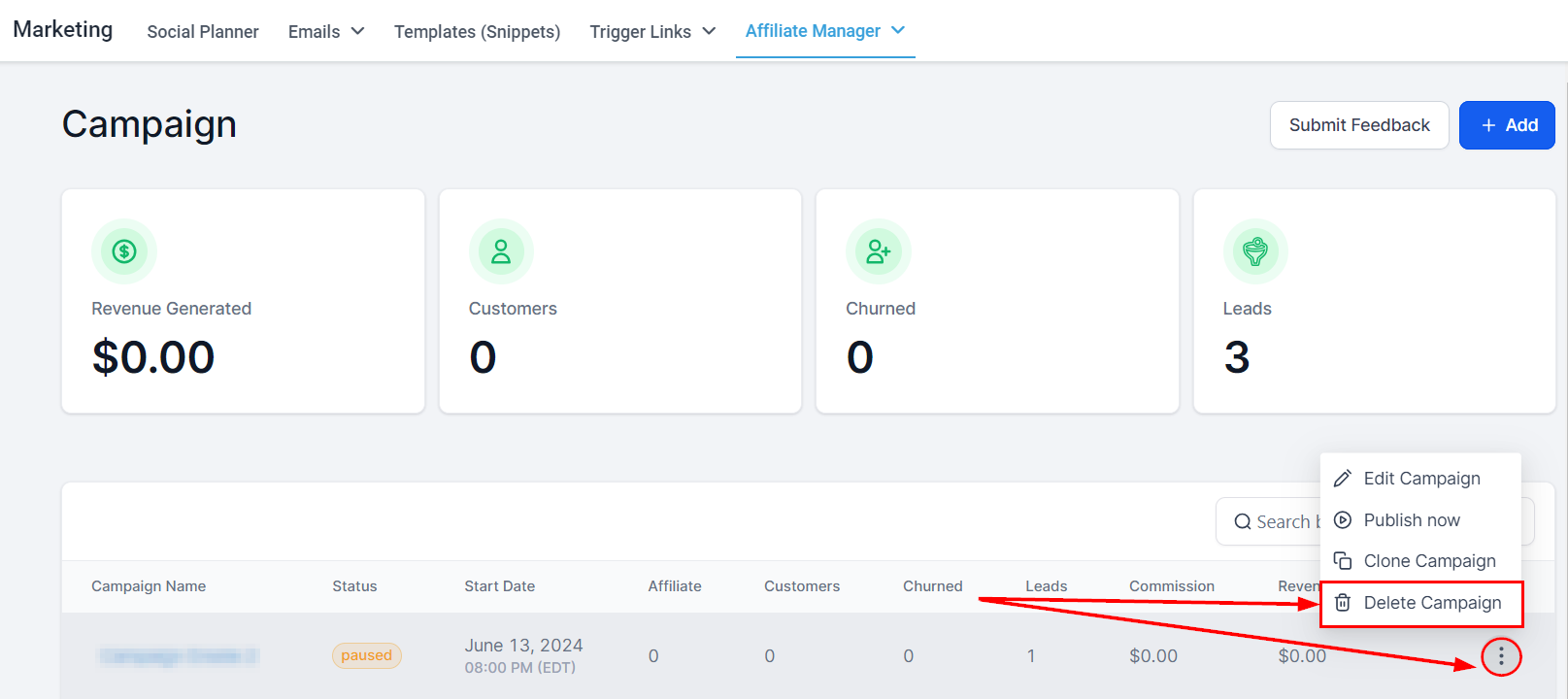
Delete Campaign
Permanently remove a campaign from your account by selecting this option.
These features collectively support the efficient management and optimization of your affiliate marketing campaigns, ensuring you can effectively track, modify, and enhance your marketing strategies.