
Membership Products
Summary:
In the "Membership Product" section, you can edit your details and your structure.
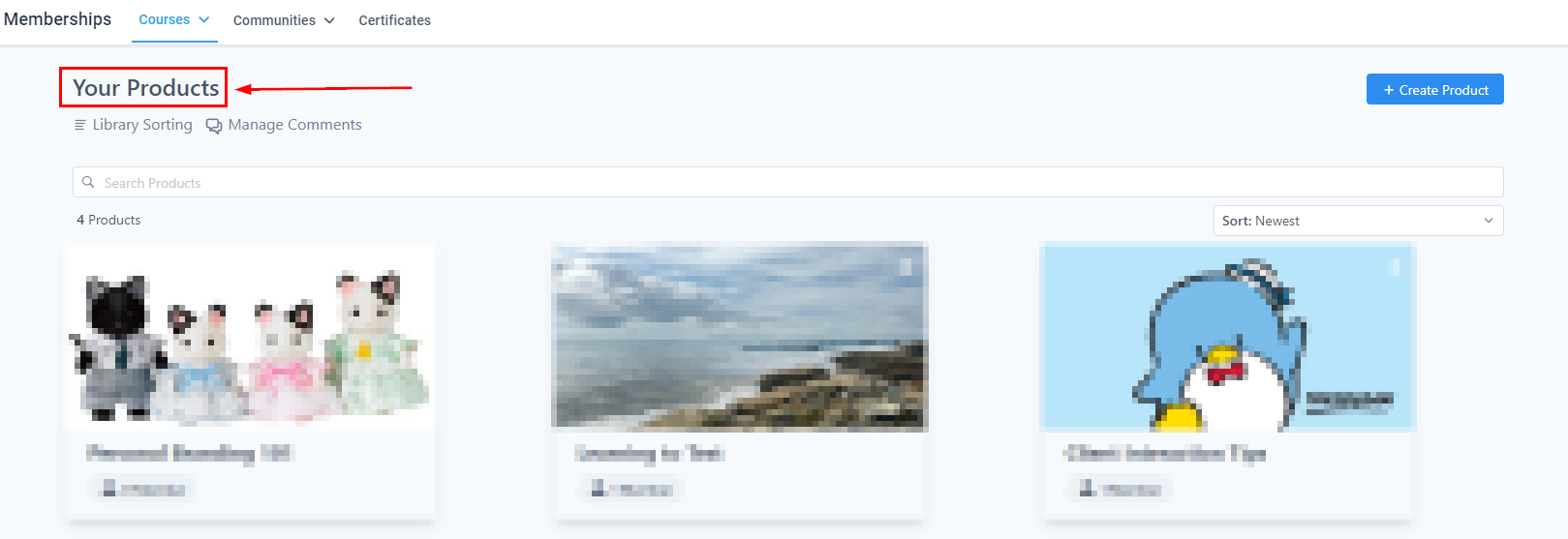
Your “Membership Products” is the place to create and manage any educational content you offer your audience. In the "Membership Product" section, you can edit their details and structure to ensure you have the products you love and your audience deserves.
Filter by Search
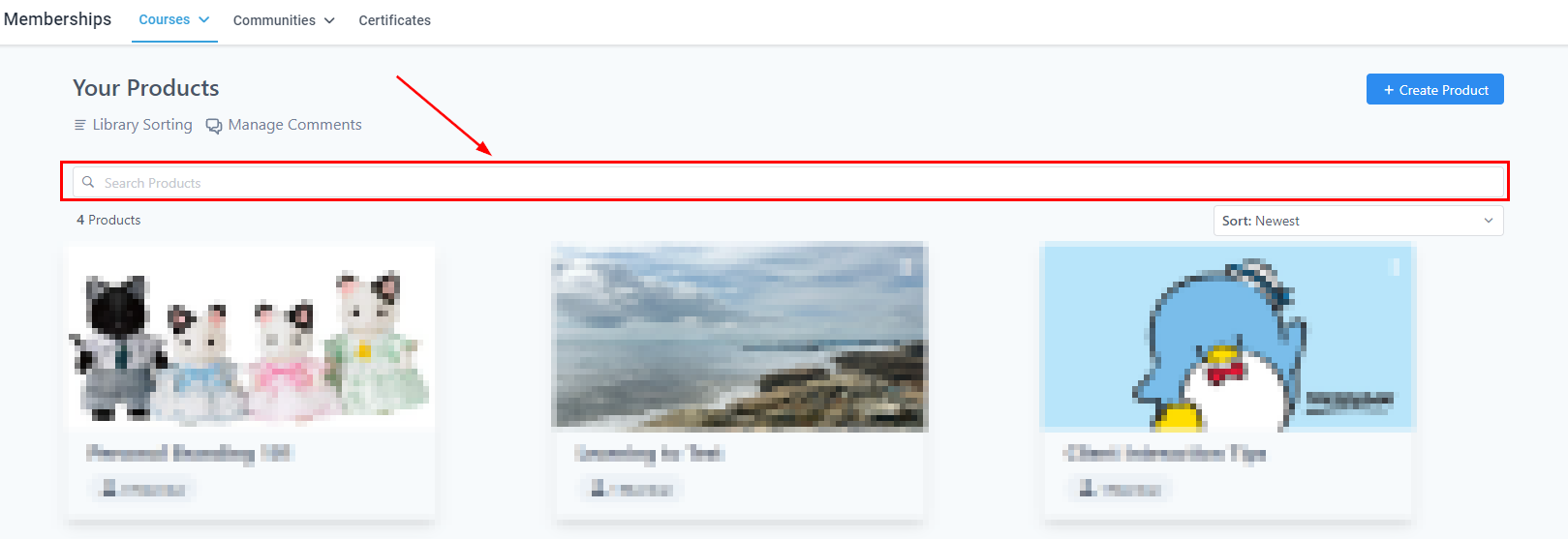
You can search for the name of a product If you want to access it quickly amongst other products.
Sort Filter
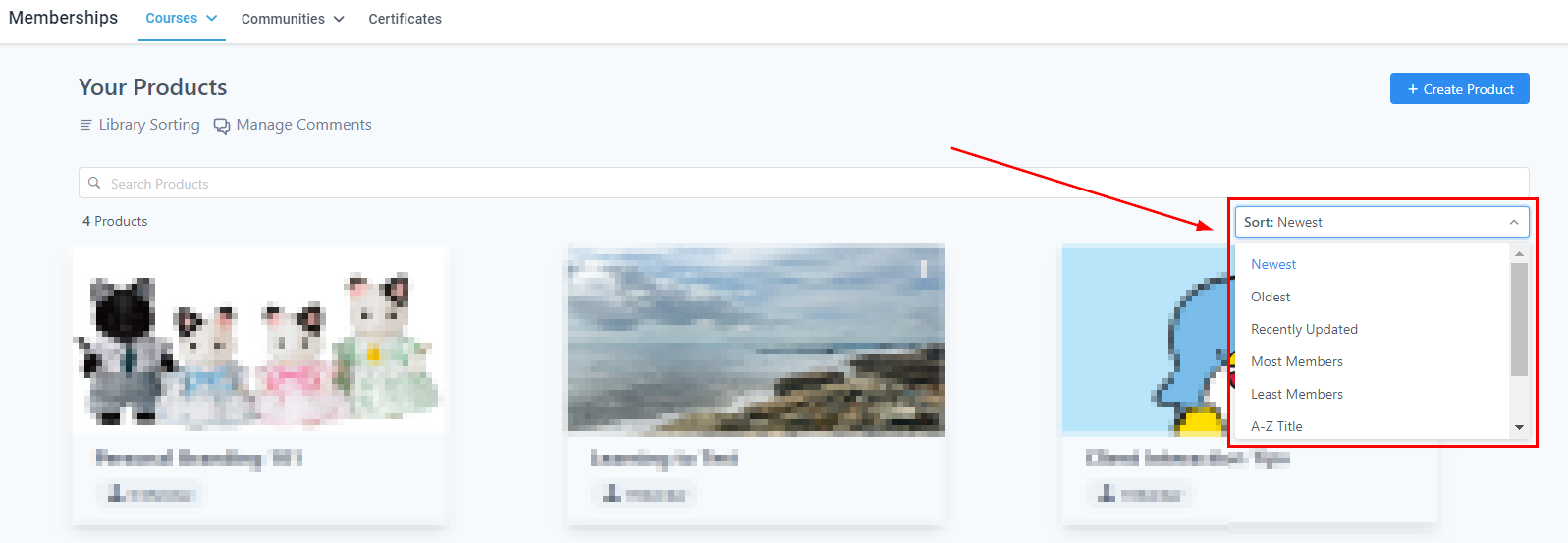
Click on the "Sort" drop-down menu to sort the product accordingly.
Creating Product
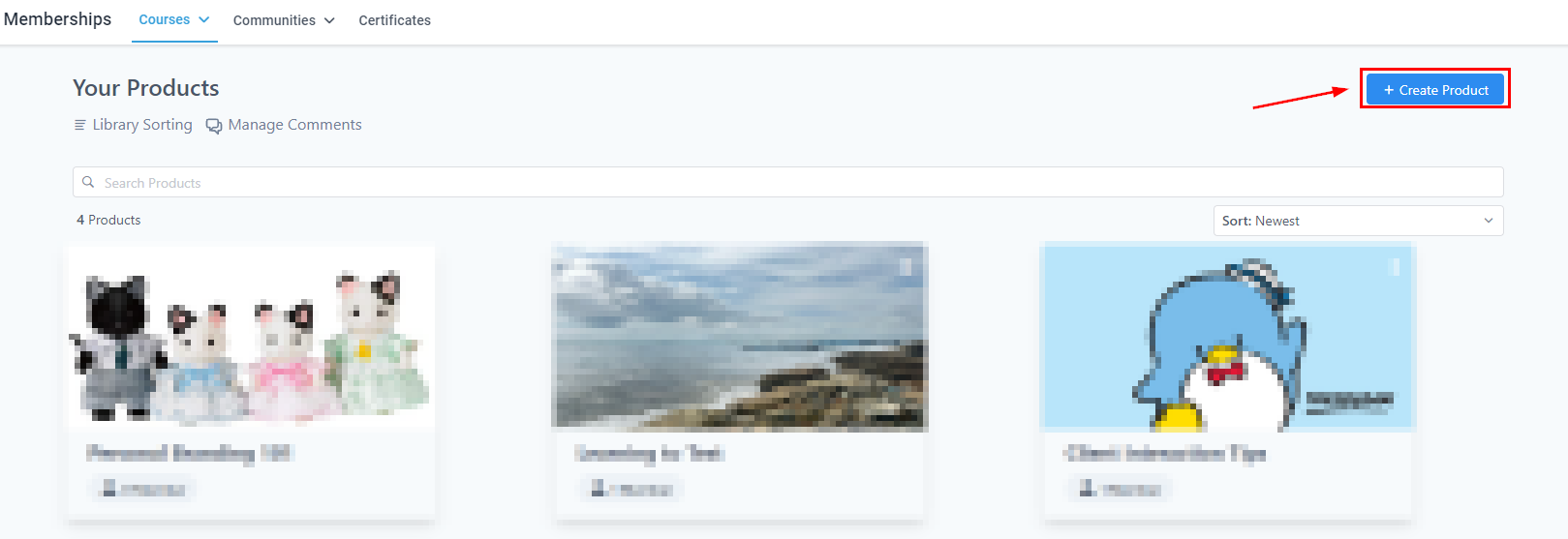
To build a product, By clicking on the "Create Product" button, you can build a course module, or a membership product, and you can also customize your content.
Product Templates
You can add different modules and categories here. You can also add more posts and sub-categories as well, and you can edit the contents, the thumbnails, publish draft locked, or drip:
- Sprint Course
- Marathon Course
- Membership
- Build Your Own

Awesome, you have the basis down. Now start creating your Products to grow, maintain, and educate your audience. This tool will be helpful if you do coaching, want customer awareness, or have an educational offer for your clients.