
Memberships Overview
Summary:
Create your own courses, programs, or training from the Memberships menu. You'll be able to store and organize your content and share it with your team or your clients.
The Memberships section is the place to handle all learning and community-related things. This section houses Courses, Communities, and Certificates, by opening this section you'll be directed to the Dashboard for your Courses.
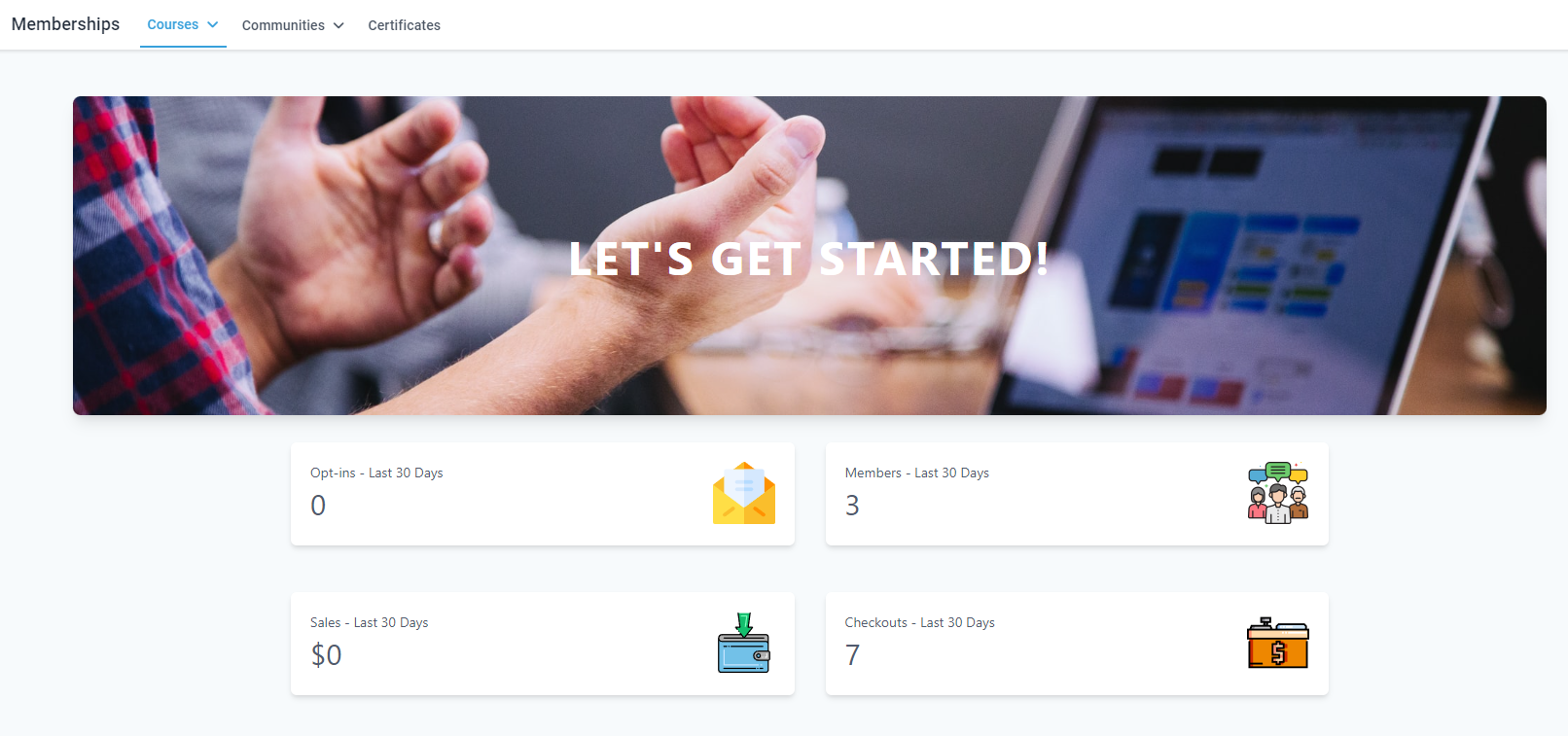
Courses
Courses allow you to offer learning opportunities to your audience, allowing you to create full lesson plans with assignments and quizzes. They are divided into a few sections.
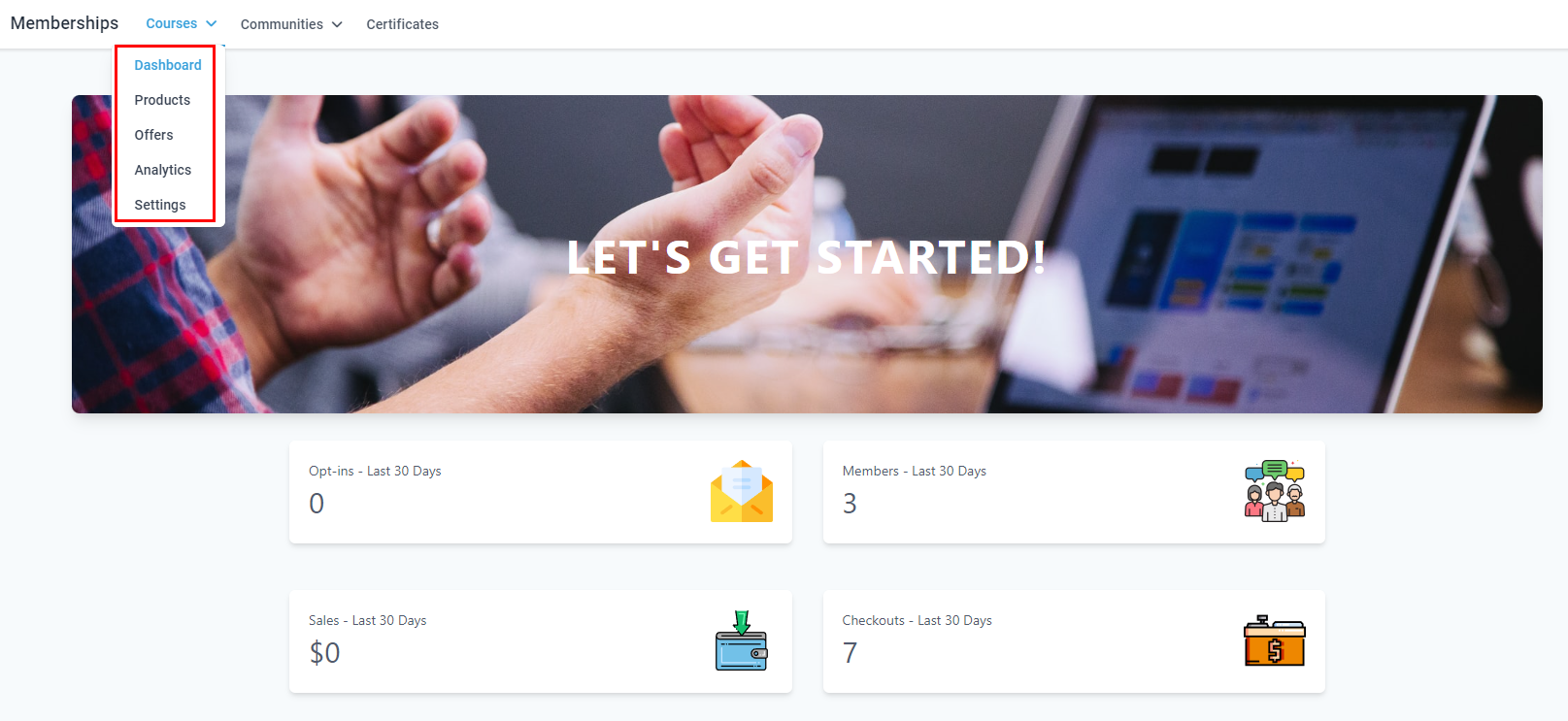
Dashboard
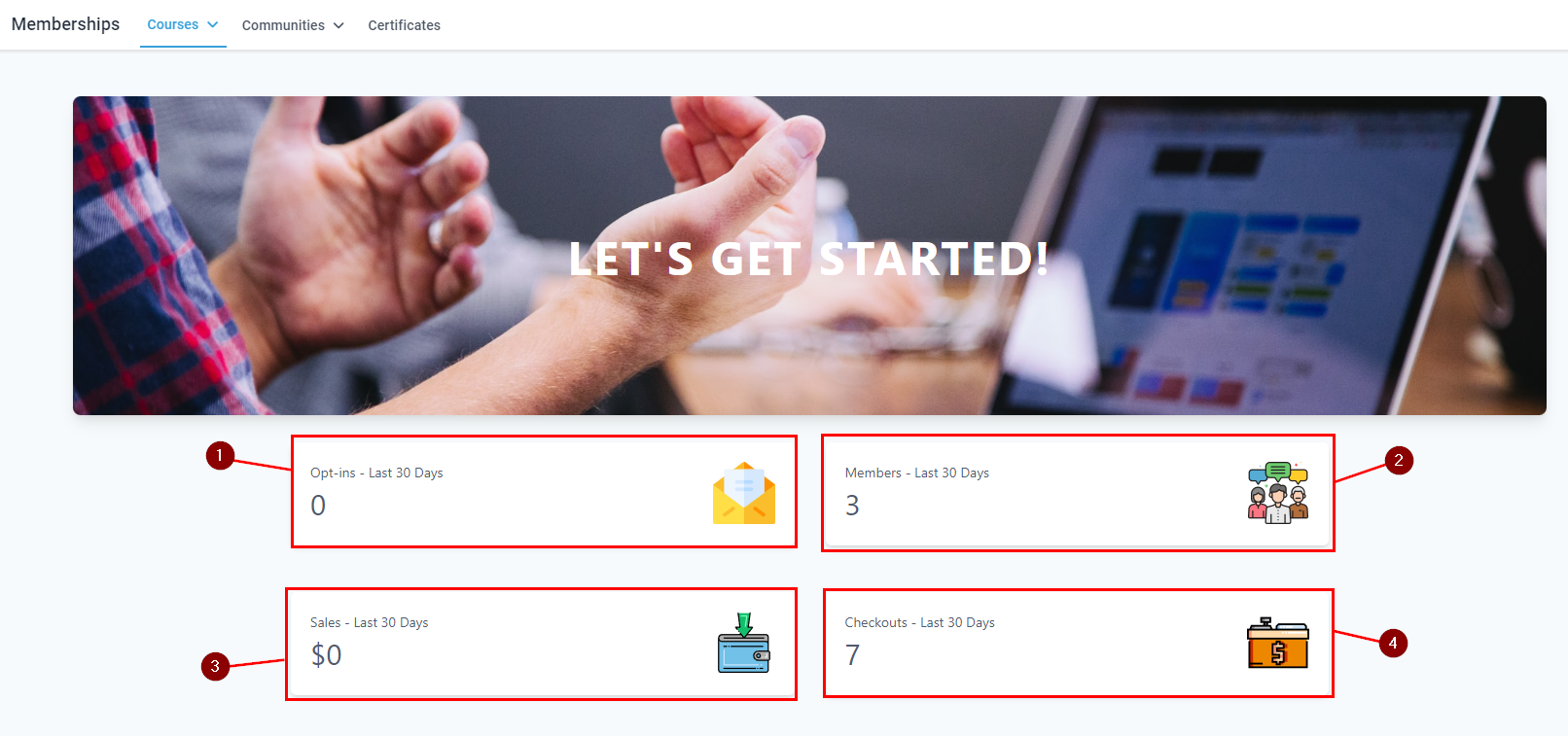
This gives you a quick overview of how many people have opted in for more information (1), how many active members you have (2), how much revenue your courses have generated (3), and how many people added your offers to their checkout (4).
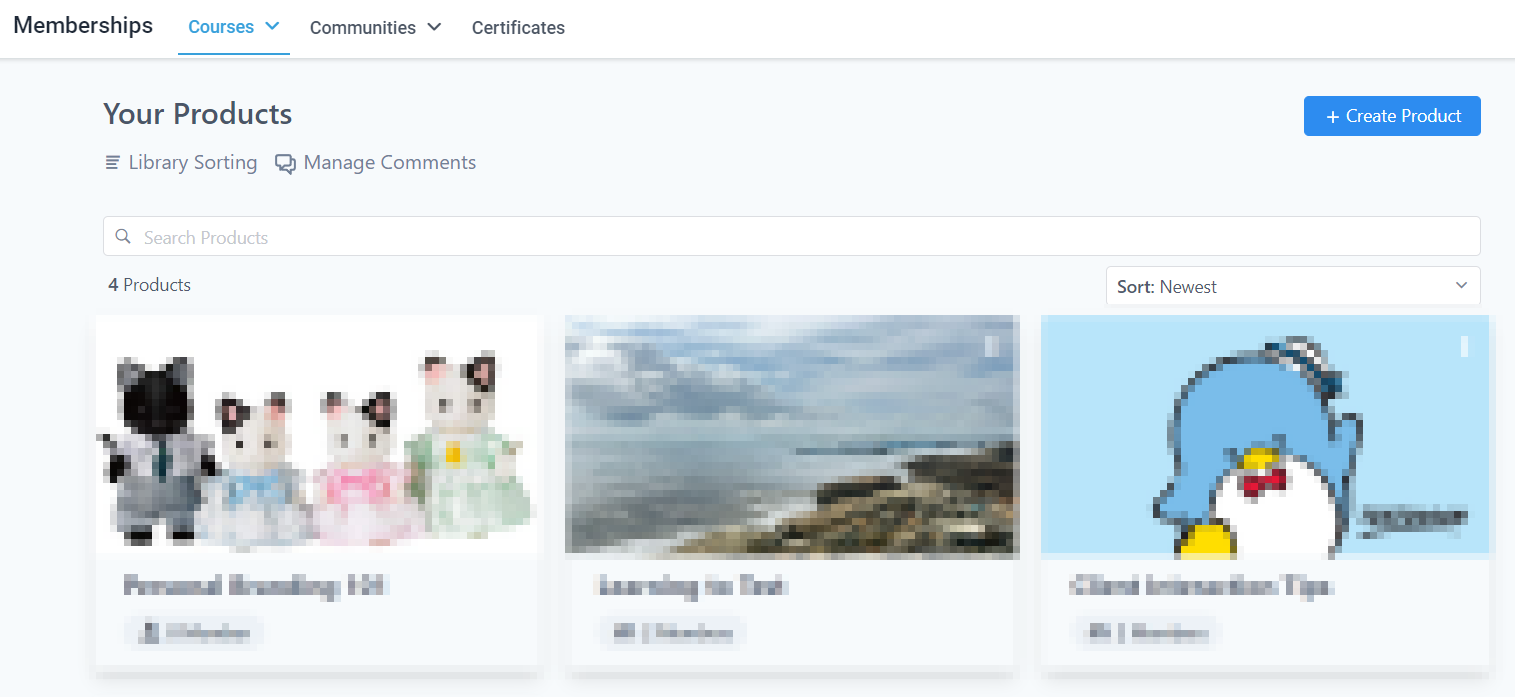
Products
Products allow you to create, see, and manage the courses you're offering.
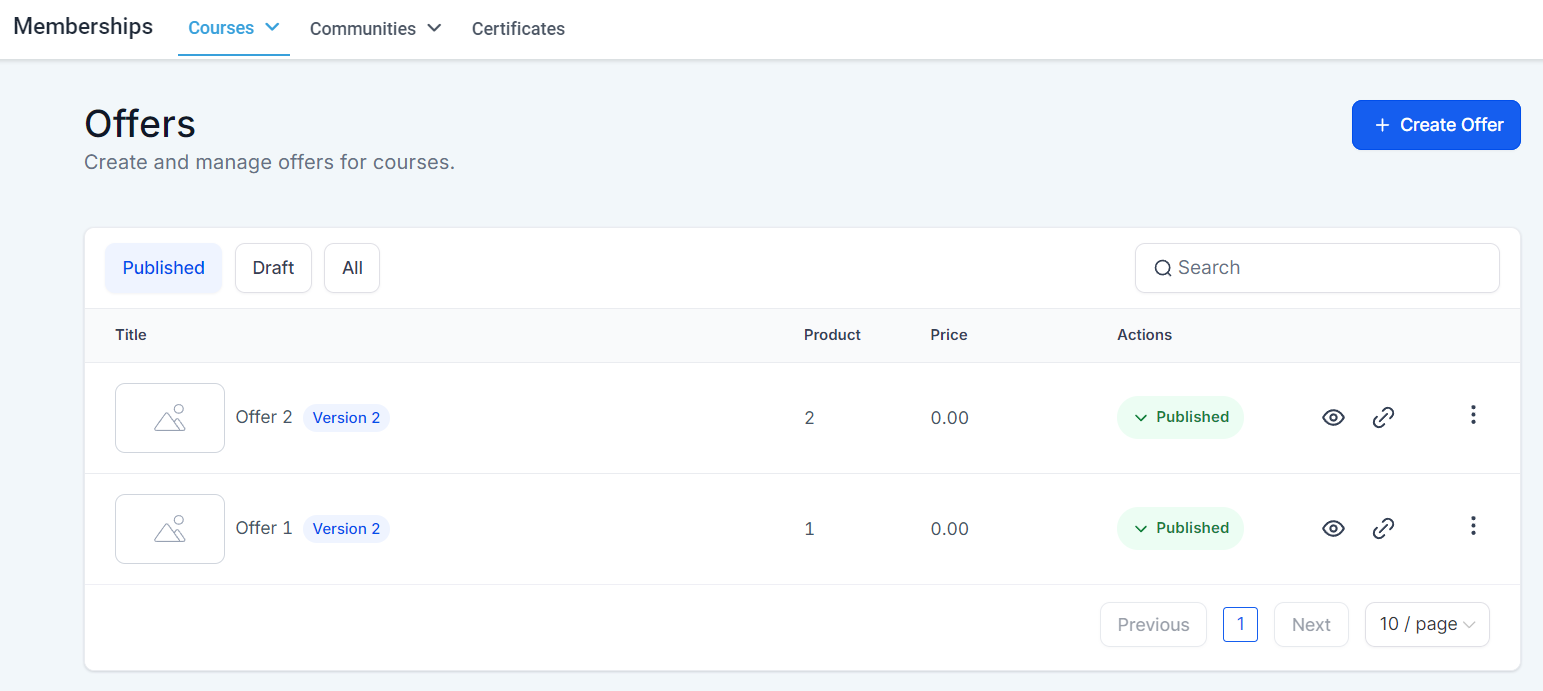
Offers
They allow you to price your courses, you can offer them individually or in bundles.
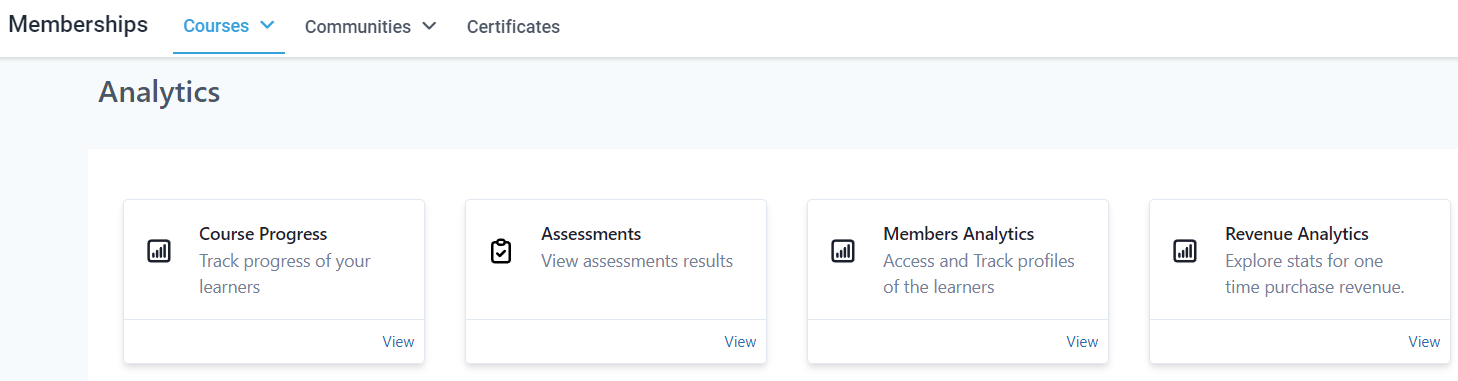
Analytics
They allow you to review how the progress is going, and check assessments, revenue, and member data.
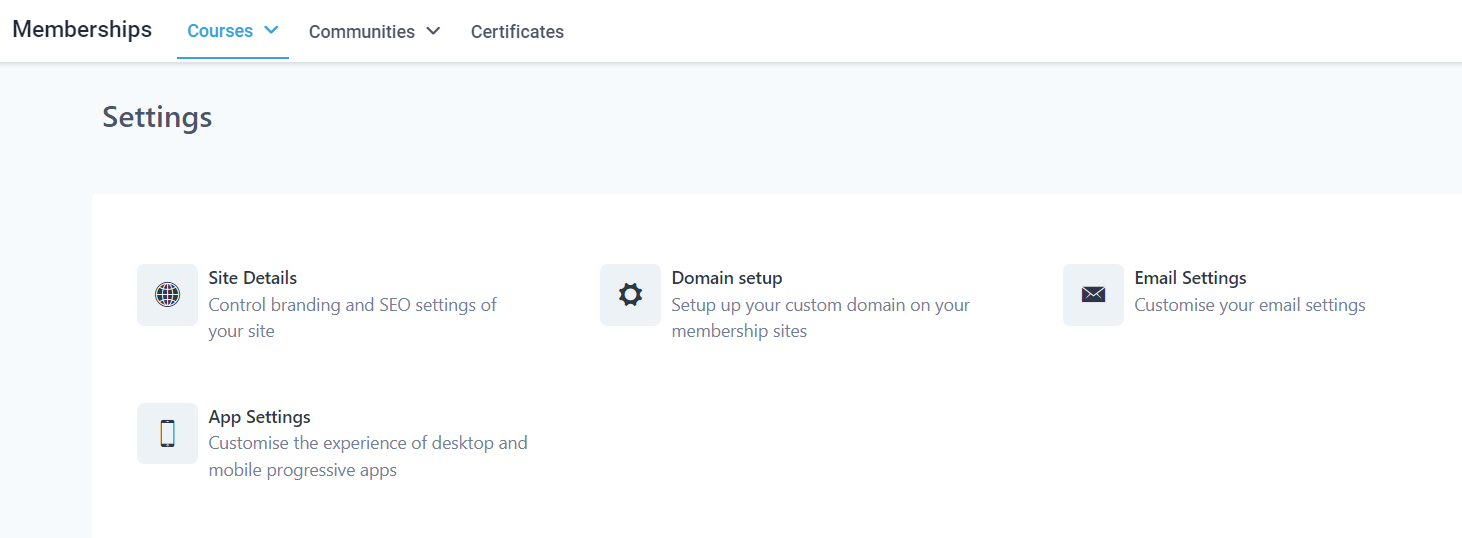
Settings
Here you can handle the settings related to the client portal you're clients interact with including the site details, domain setup to add a customized domain, and email and app settings to customize the look and feel of your outgoing emails and app version of the client portal.
Communities
They allow you to create an online space to promote customer-brand interactions.
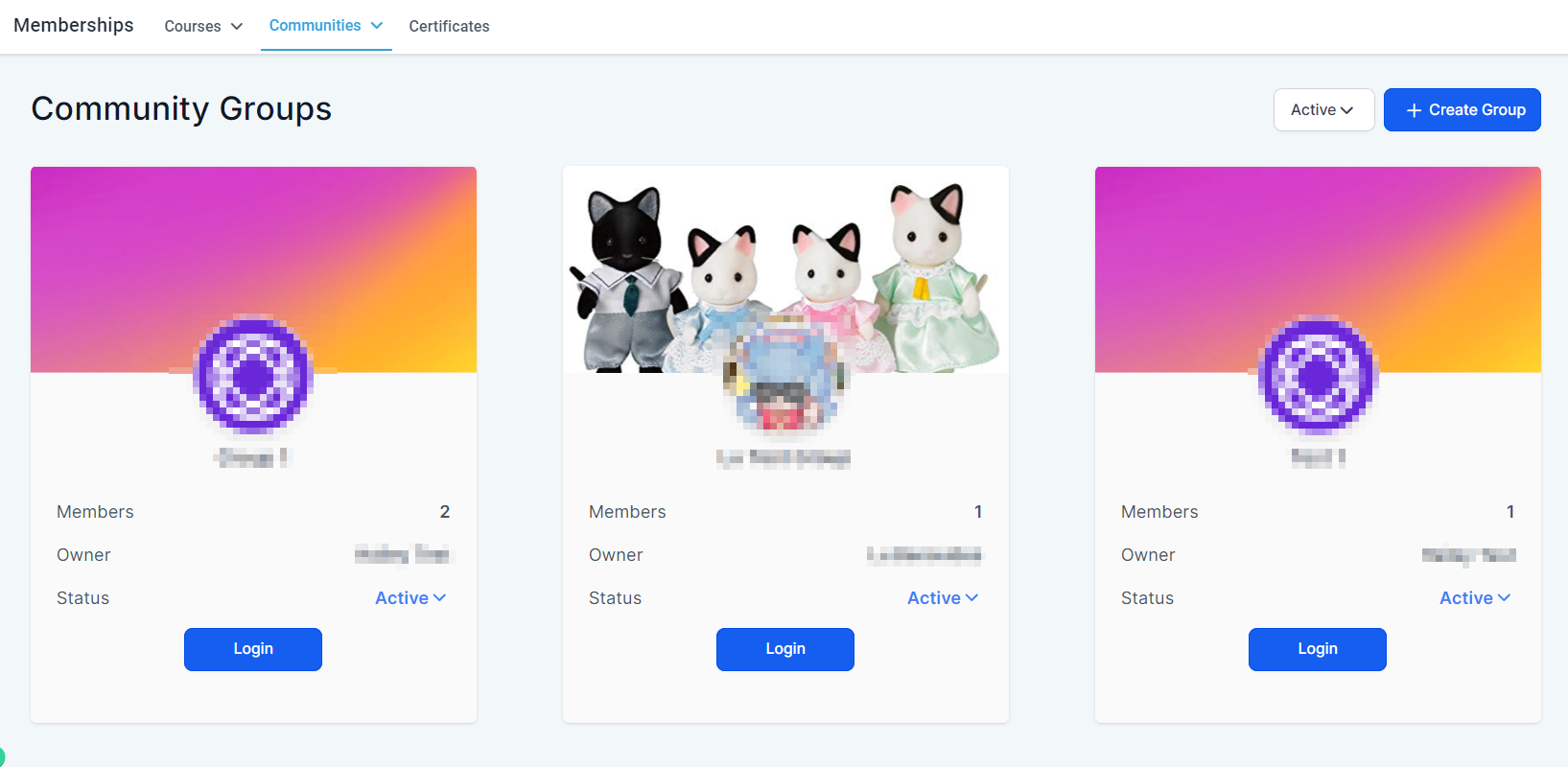
Groups
Here you can create, see, and manage the community pages you're offering to your clients.
Settings
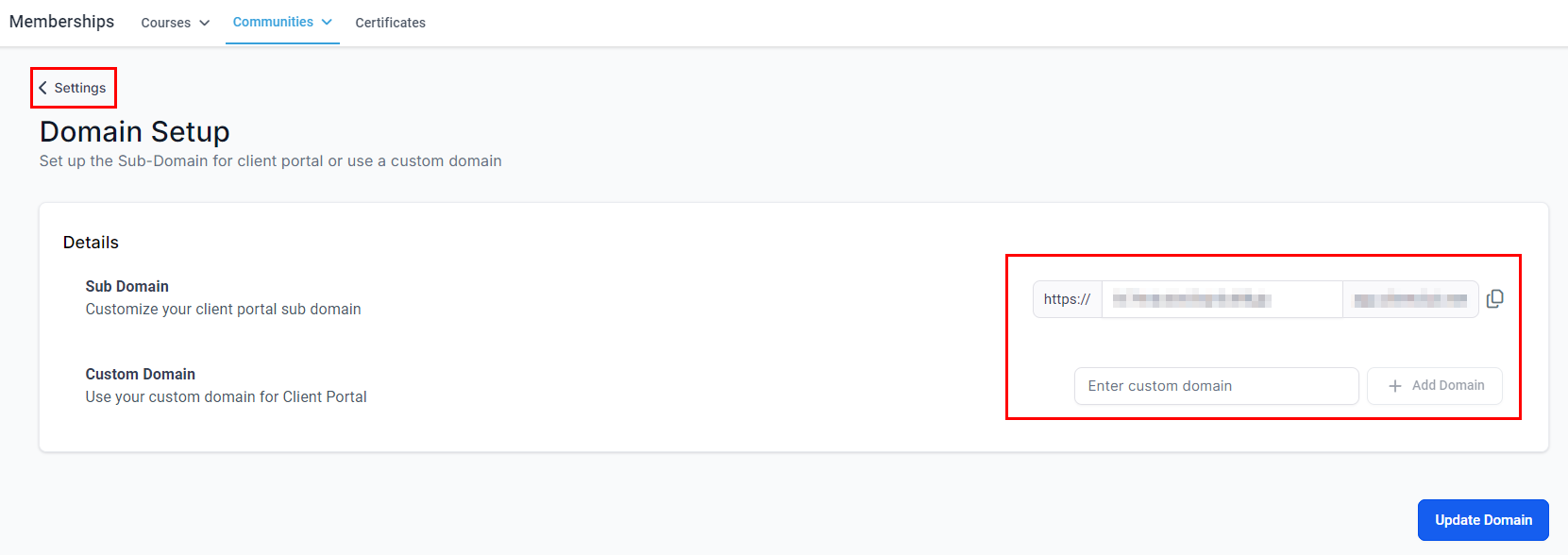
Here you can configure the domain for your Groups.
Certificates
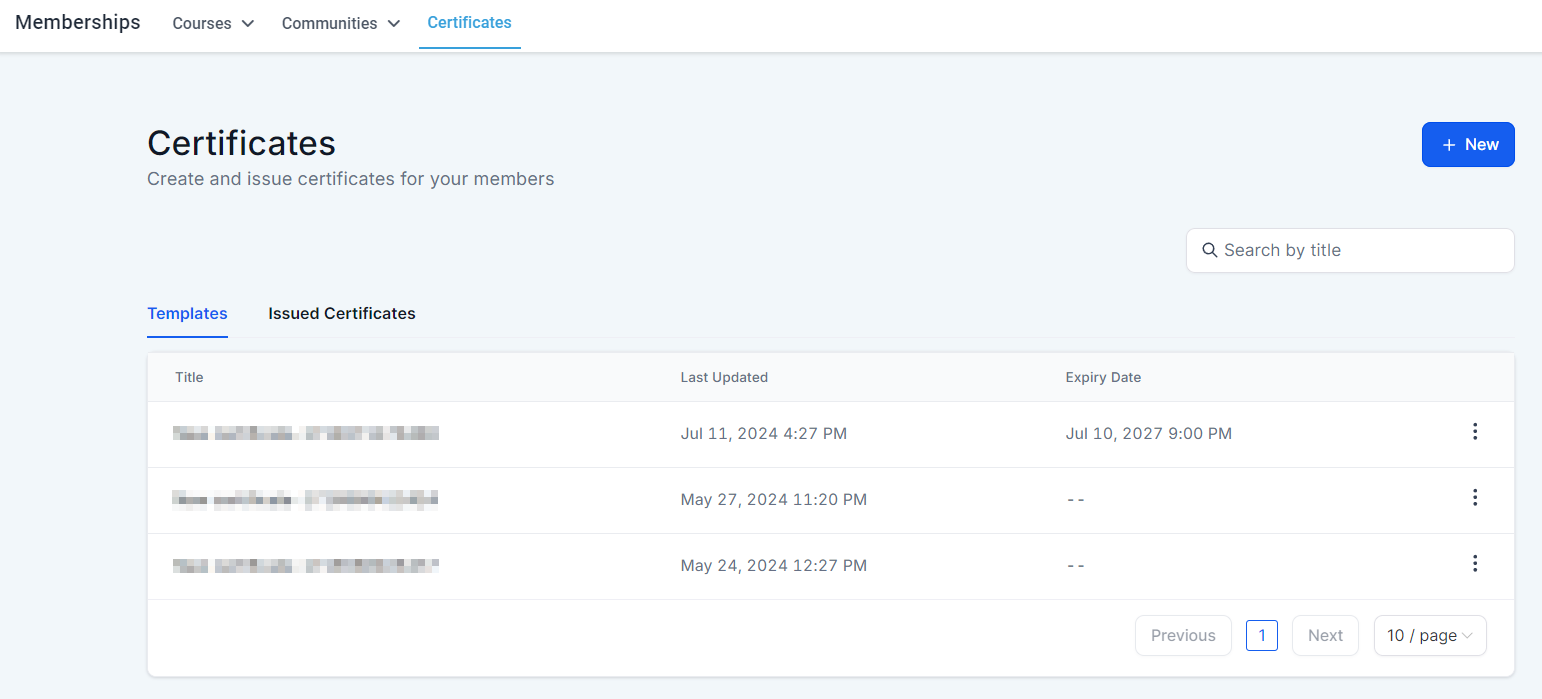
Here you can create and issue diplomas for course completion.
Those are the basis of the Memberships section, now you can start creating more spaces for learning, interacting, and empowering your clients.