
How to Print Shipping Labels & Packing Slips
Summary:
Tutorial on How to Print Shipping Labels & Packing Slips
When fulfilling orders, you want to ensure client satisfaction, and one of the most common pitfalls is missing items during the packaging step. By creating the Shipping Labels and Packing Slips directly from the order, you aid yourself in this process by ensuring everything is properly listed, allowing you to fulfill orders easily and accurately.
How to Use?
Navigate to the Orders tab inside your Payments section, in the Orders dropdown, click on Orders.

Click the three dots icon next to the desired order then click View Order.

Inside the order, you can generate Packing Slips for Partial Fulfilment or the entire order. The generated labels will include the following:
- Order ID
- Order Date
- Store Name
- Shipping Address & Billing Address
- Itemized List of Products with Variant Name, Product Images, and Quantities.
- Sender's Address (Store Address)
Order Details
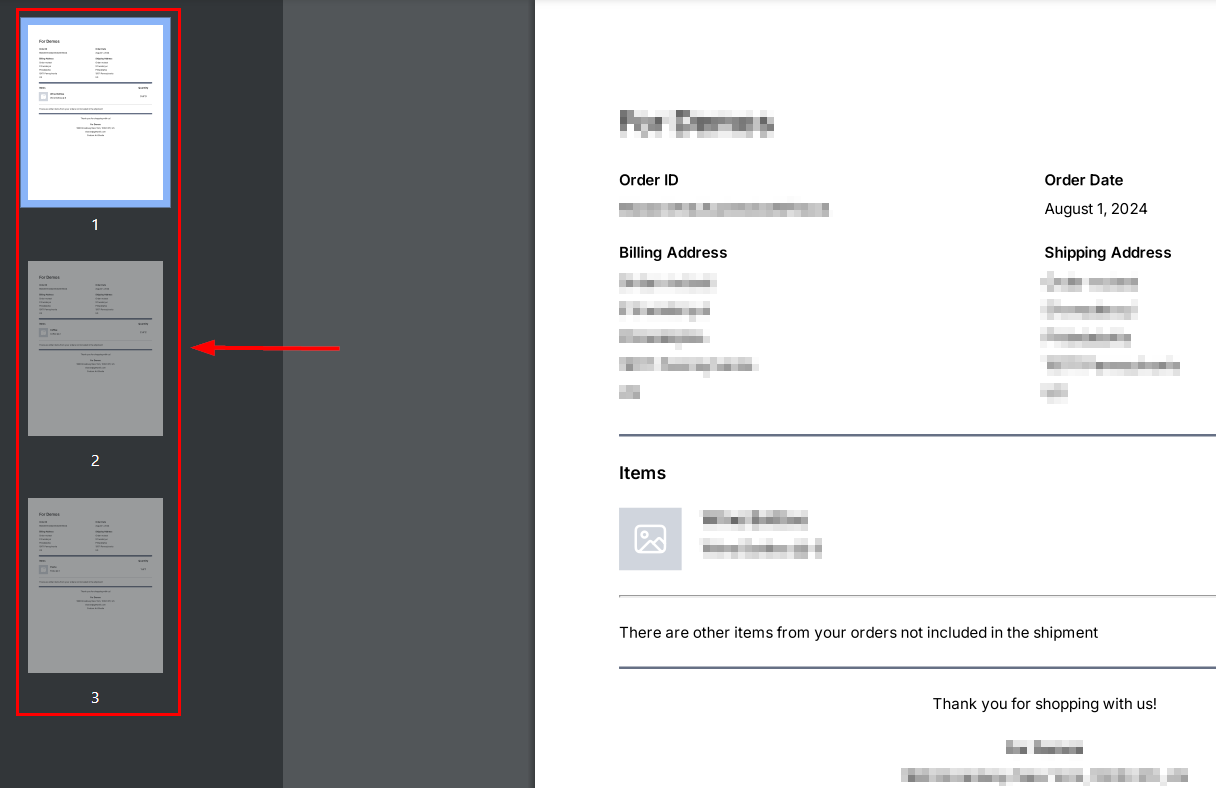
Click the Print Packing Slips button to download a PDF with all order items.

If you partially fulfilled the order in the past the items will be separated into different pages for each fulfilment.
Partial Fulfilment
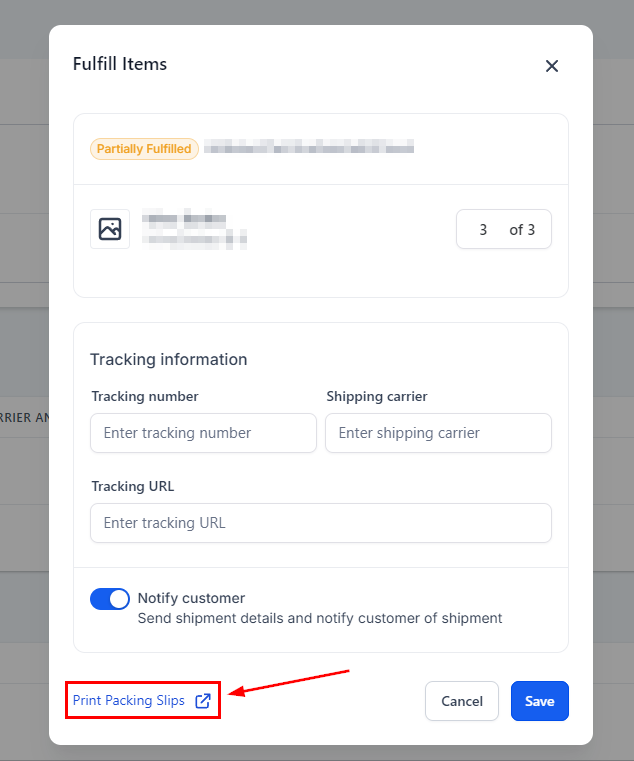
When fulfilling an order select the Items and Quantities you’re fulfilling then click on the Fulfill Items button, and then a window will pop up, click on the Print Packing Slips button to generate a shipping label for only those products.

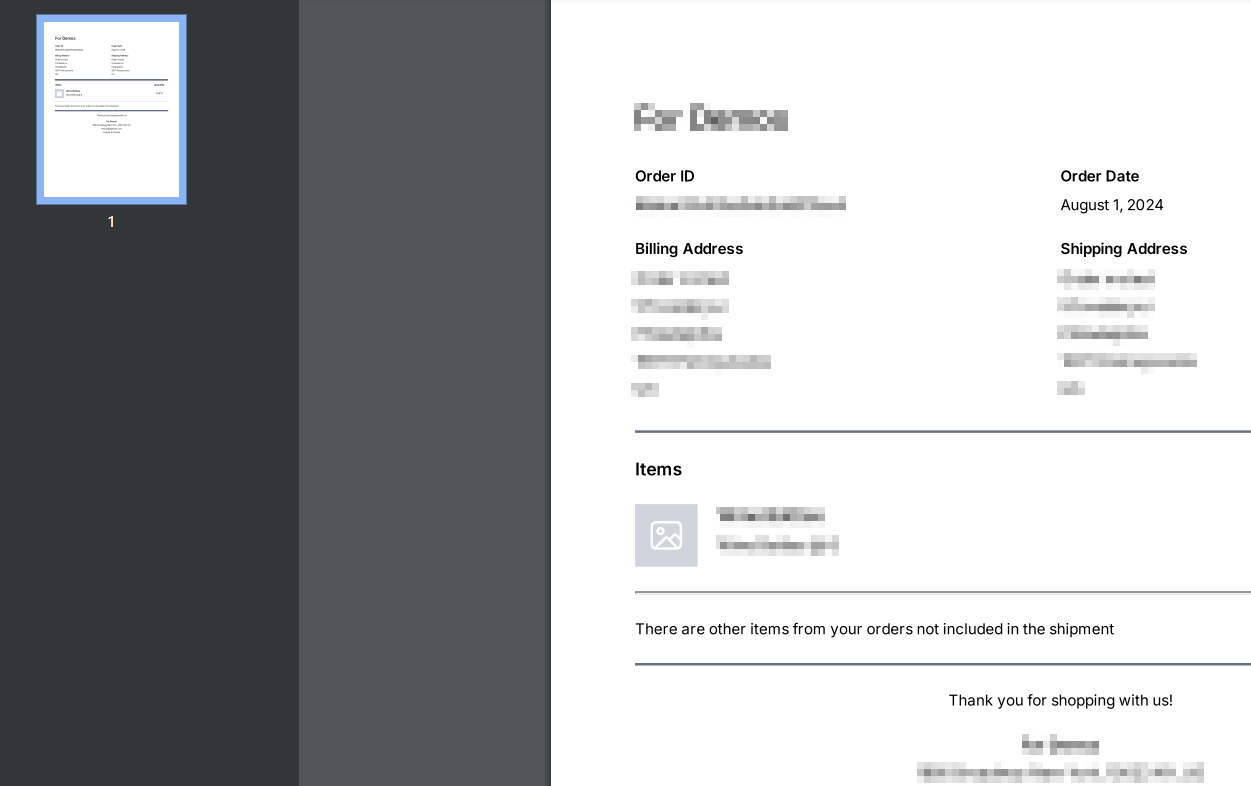
This will download a PDF containing the details of only the selected items.
Your Shipping Labels and packing Slips organize and make the information needed for the Shipping Carrier easily accessible, simplifying your order fulfillment process. Now, you’re ready to fulfill all orders coming your way and grow your business easily.