Chat Bubble
Summary:
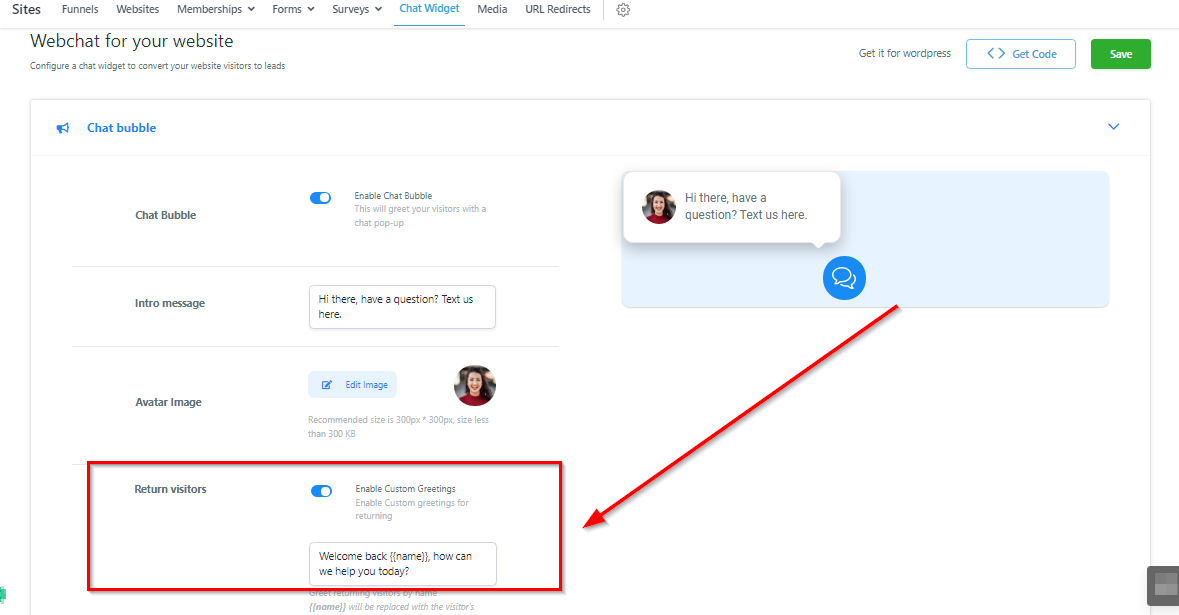
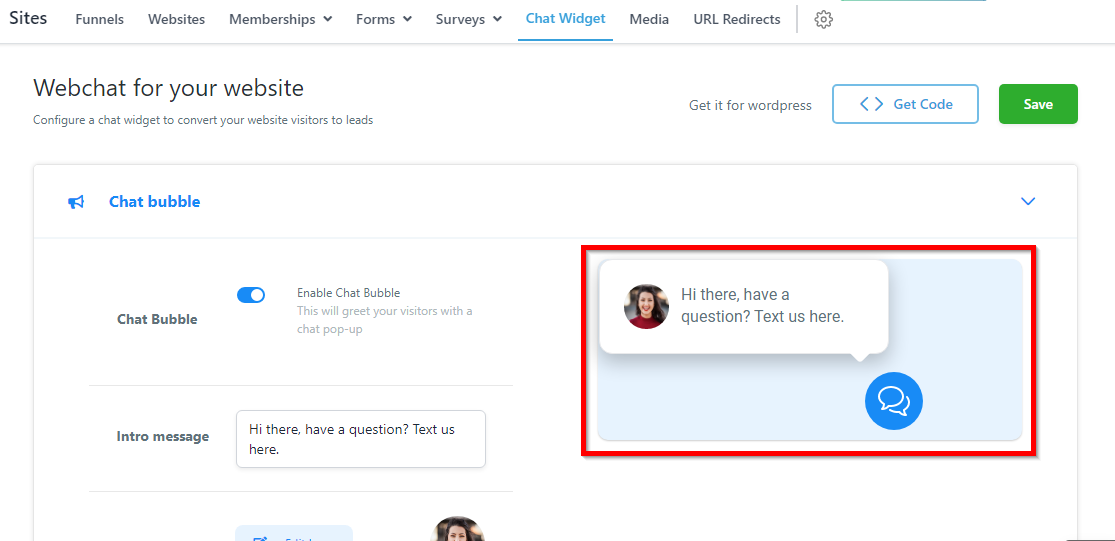
This is a preview of what your website chat widget bubble will look like. As you customize your chat widget, you can see the changes happening in real-time here as a Preview.
--Video placeholder—(Chat Widget - Chat Bubble.mp4)
Bubble Preview
This is a preview of what your website chat widget bubble will look like. As you customize your chat widget, you can see the changes happening in real-time here as a Preview.
Enable Chat Widget
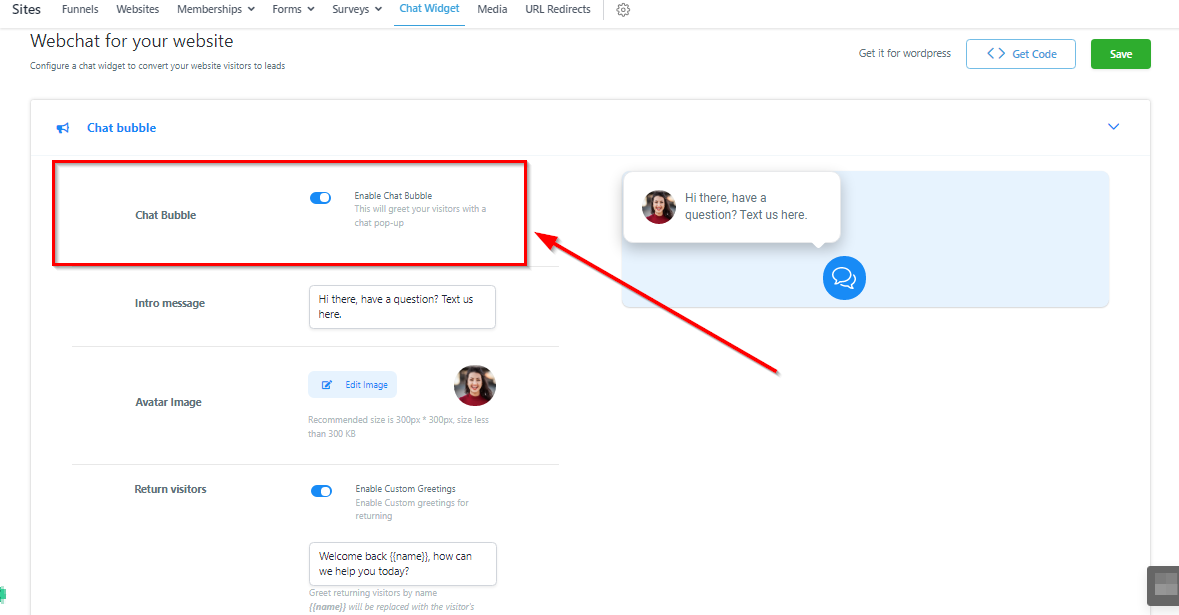
In order to use this chat widget, you will first need to enable it by clicking here.
Customize Welcome Message
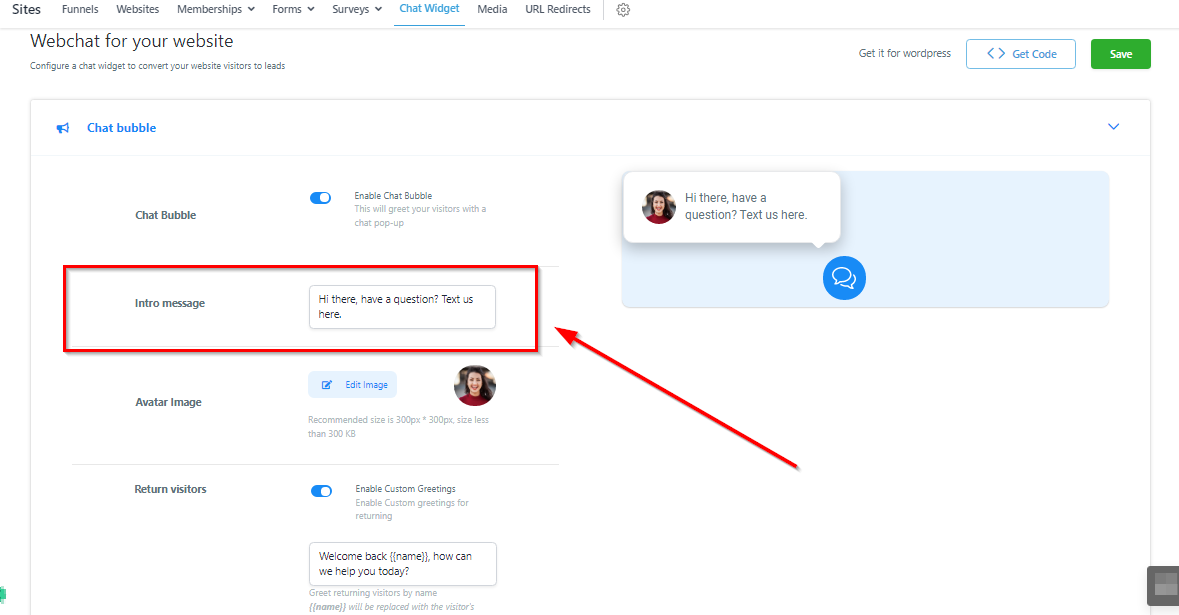
This controls the welcome message your new website visitor sees. The text here should either offer support or a marketing communication to get visitors to click on the chat widget.
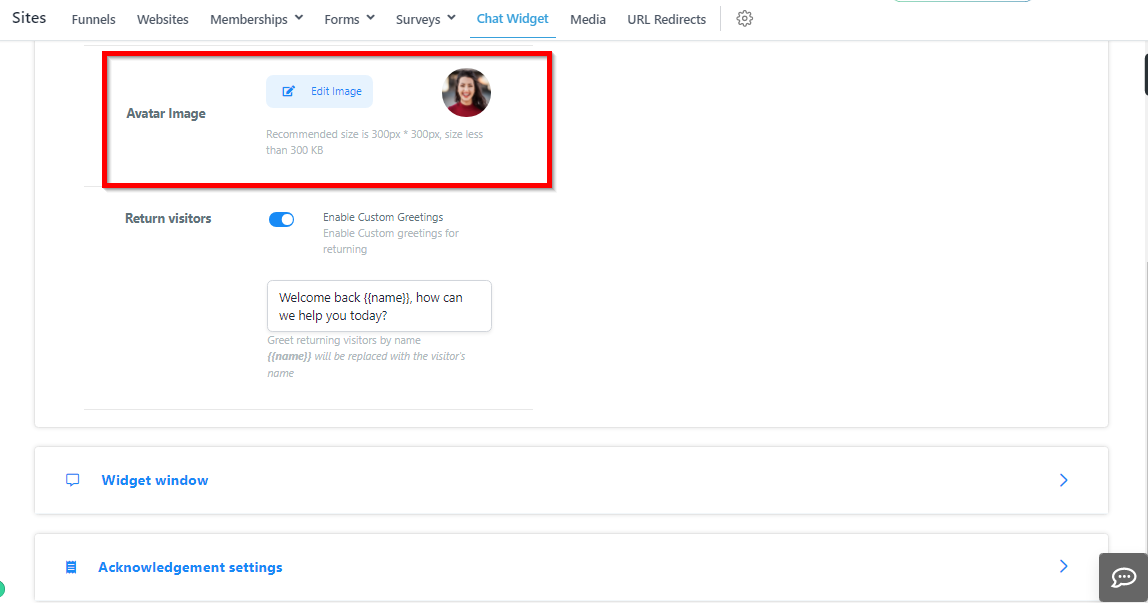
Custom Avatar Image
Here you can change the image website visitors see when they interact with your chat widget. We recommend that you either add your company logo or a friendly face!
Return Visitors
If you are tracking visitors on your website, you can create a custom message for return visitors and tailor the message to be more personalized.