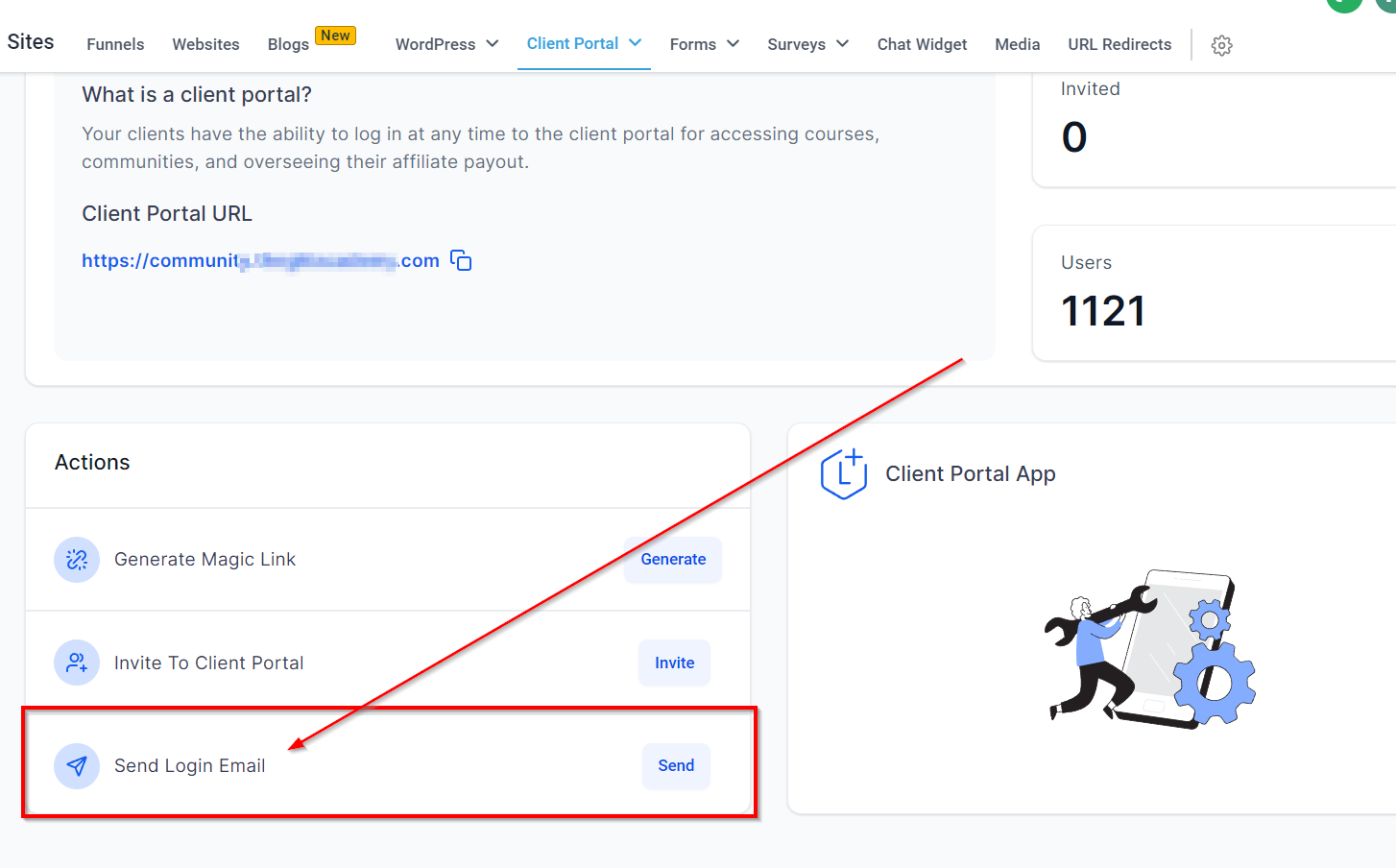
Client Portal Dashboard
Summary:
Streamline user access and engagement with the client portal dashboard
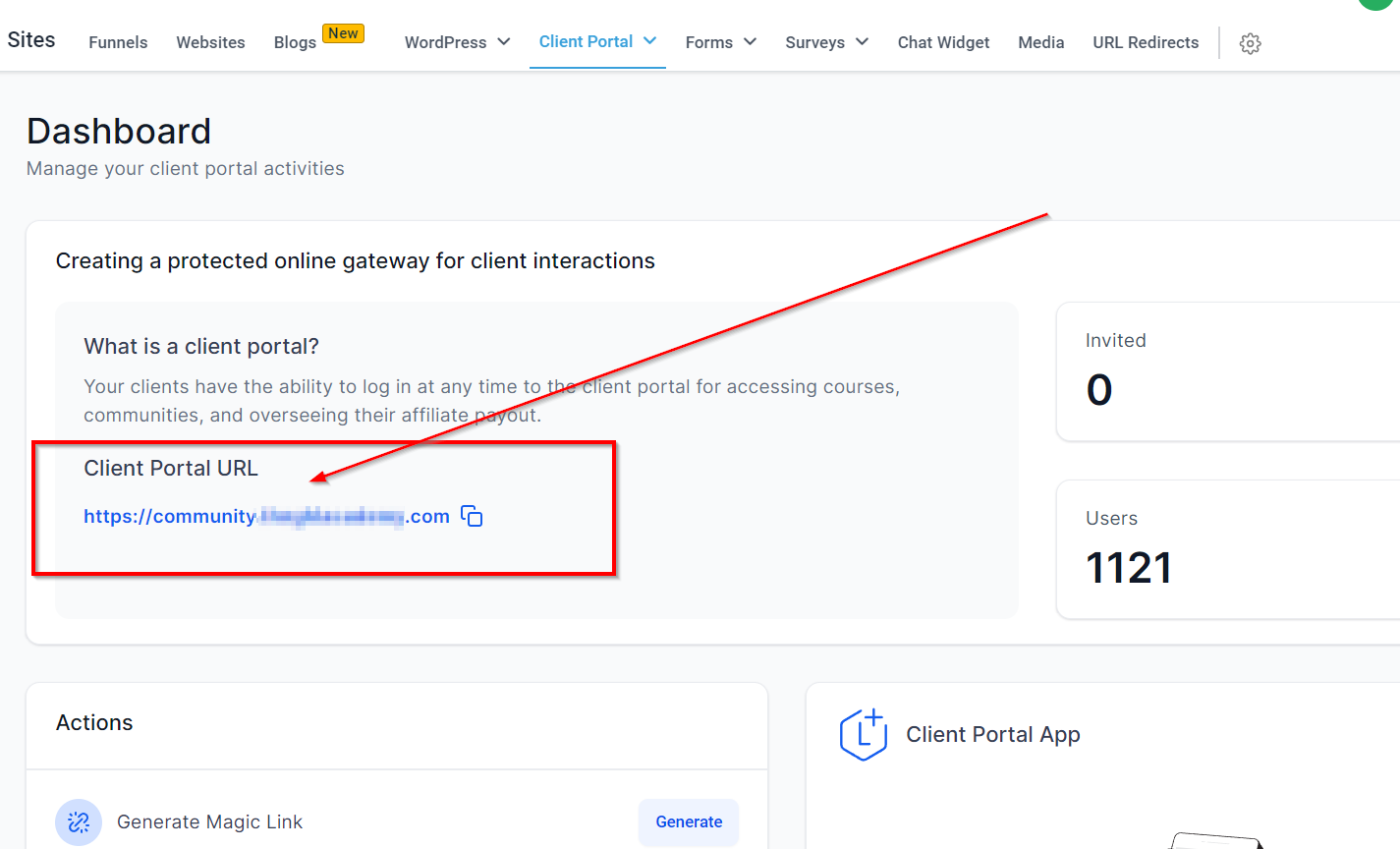
Client Portal URL
Our newly enhanced client portal dashboard provides you with a comprehensive overview of user activity, including invitations and joining. It also empowers you to take specific actions to streamline user access and engagement.
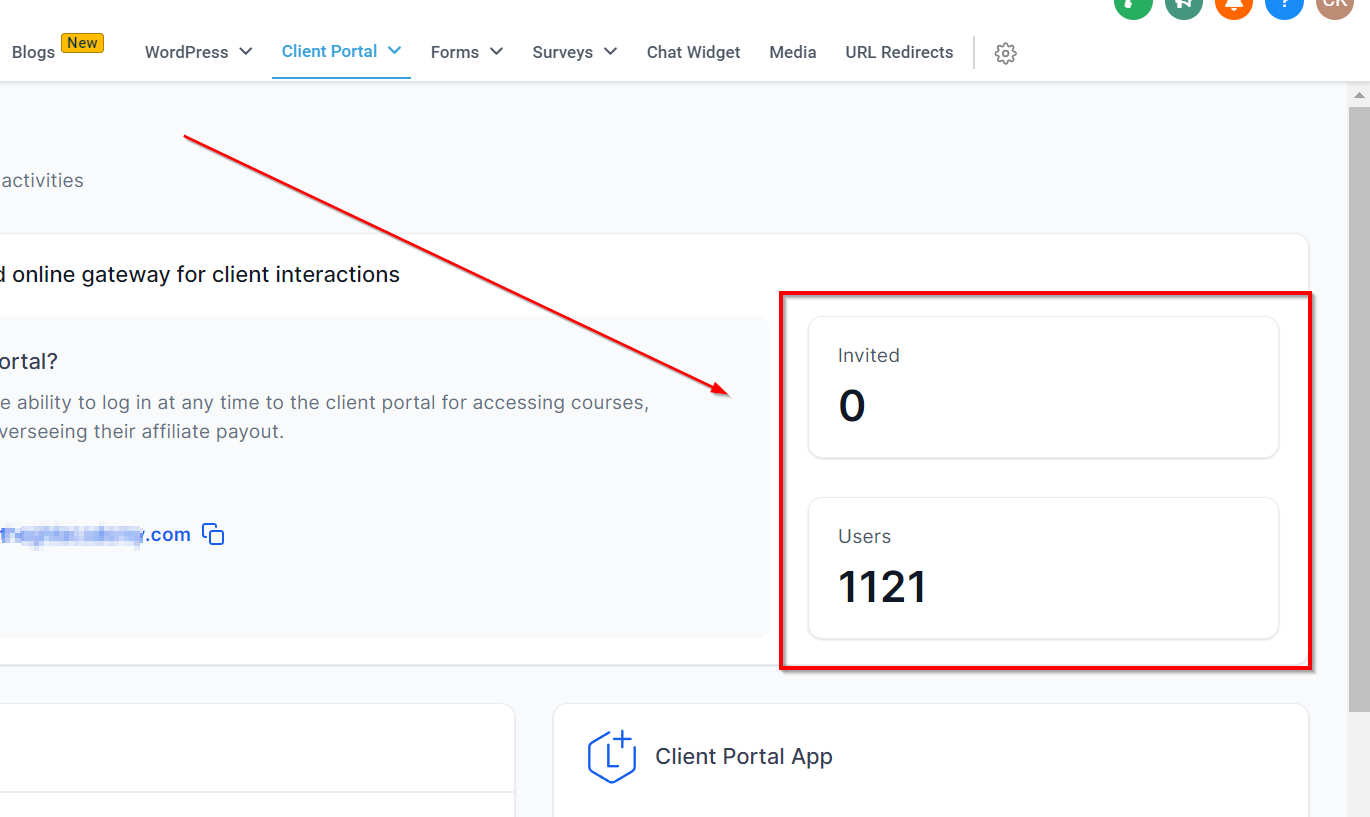
Invited Users Vs Joined Users
Understanding Invited Users vs. Joined Users: Invited users represent the count of individuals who have been invited to the client portal using the "Invite" option from the action menu. On the other hand, joined users signify the actual number of individuals who have successfully joined your client portal.
Generate Magic Link
Generate magic links to allow your contacts to access the client portal directly without the need for manual login. Magic links are especially useful when shared via email or messages, providing instant access to the portal.
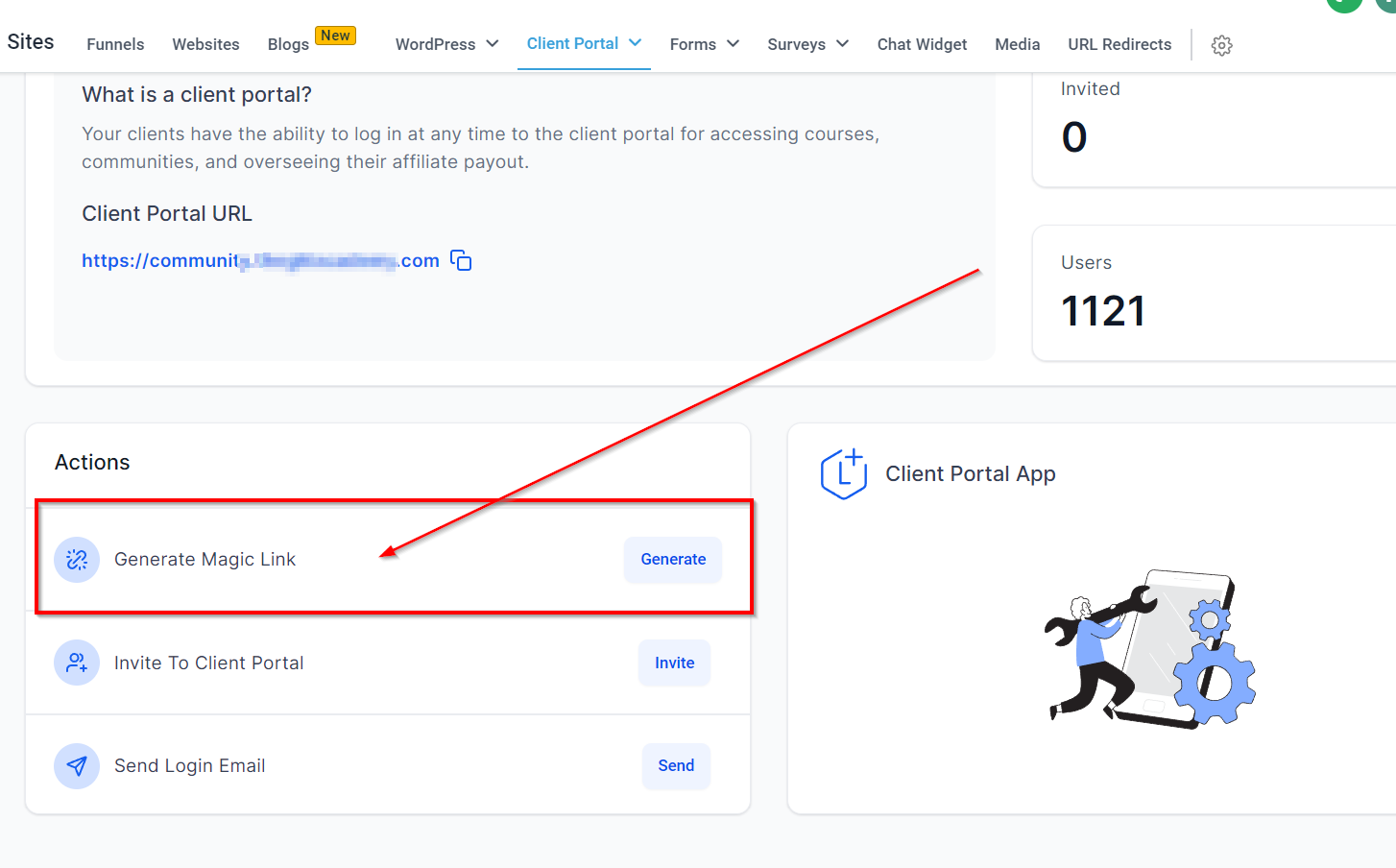
Note: Magic links are generated at the individual contact level. For seamless integration with email workflows, utilize custom values to automatically populate the required data and construct the magic link.
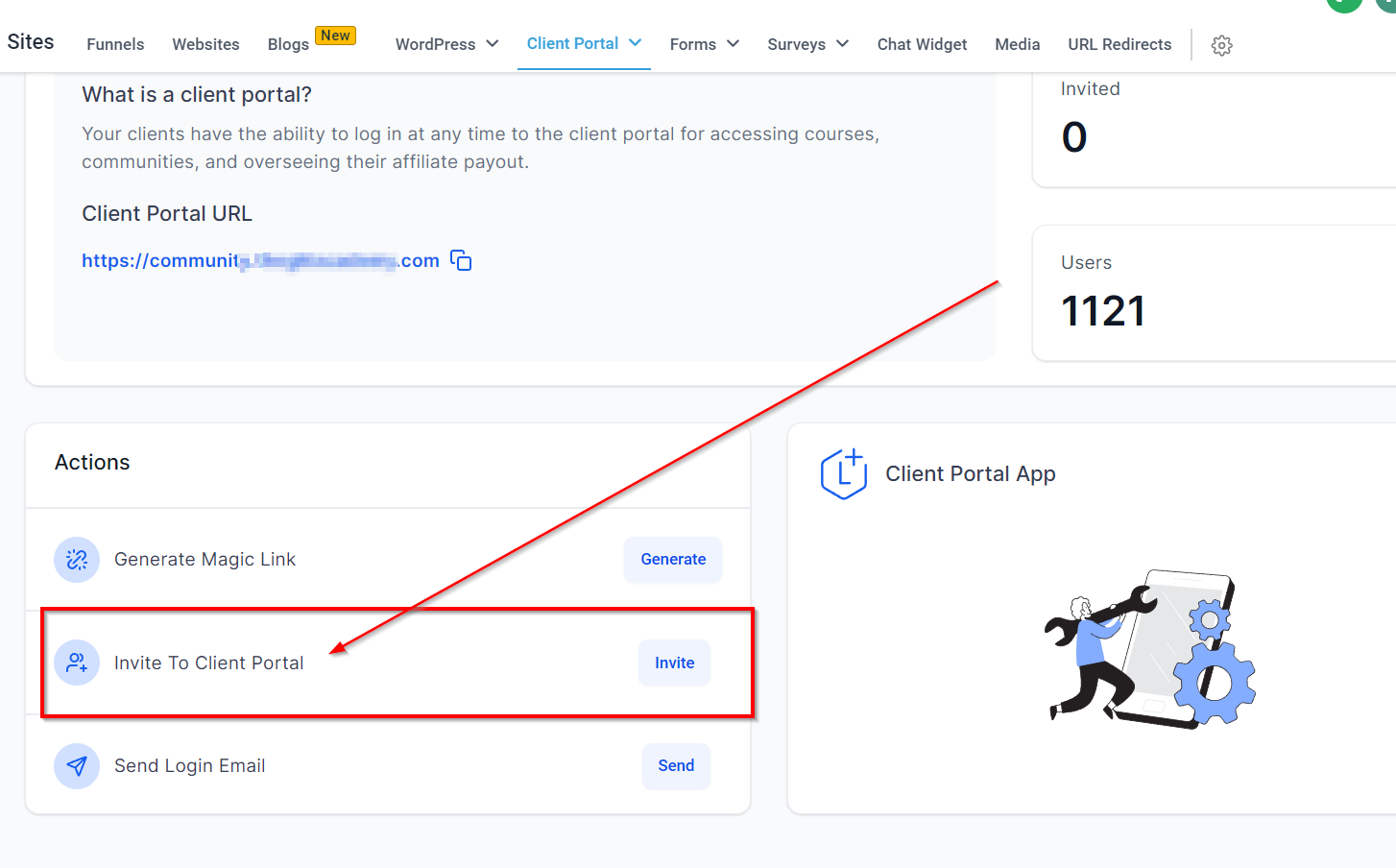
Invite to Client Portal
Easily invite new users to the client portal by selecting the "Invite" action. You can either invite existing contacts or enter email addresses directly. Invitations are sent from your default domain, ensuring a seamless user experience.
Send Login Email
The "Login Email" feature automates the process of sending login credentials to your contacts via email. With a quick login button included in the email, clients can effortlessly access the client portal without the need to enter their password manually.