
Product List Element
Summary:
What is the Product List Element and how to use it
Your e-commerce store bridges the gap between customers and your products. This is the front of your business displaying everything you offer.
Whenever you create a store it will automatically add the Product List, think about it like virtual product shelves where everything is displayed. It keeps a view of all products you've created with the option to add to store toggled on.
To Edit the Product List
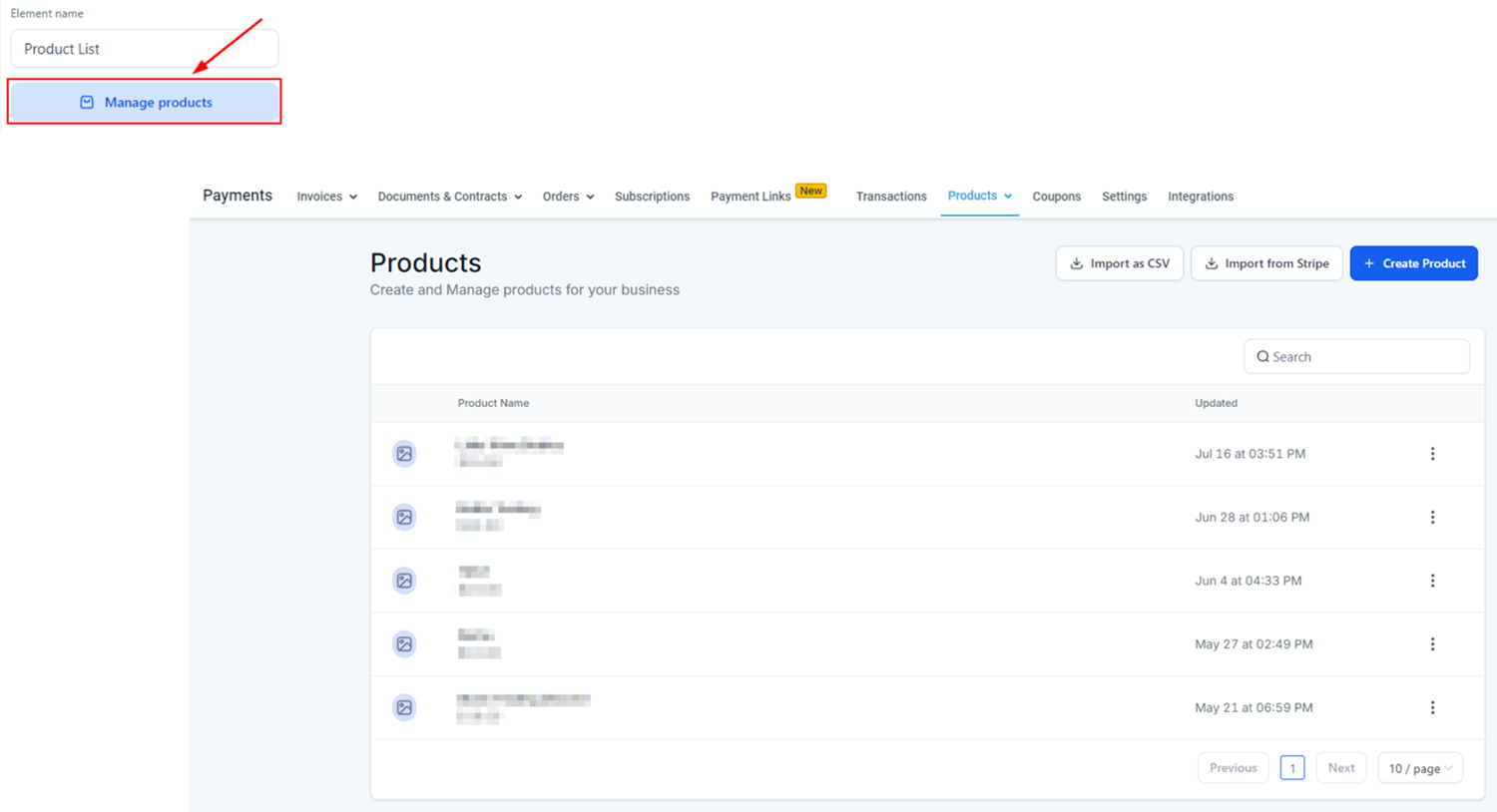
Open the settings to the right side, by clicking on Manage Products you will be redirected to the products tab to edit or create more.
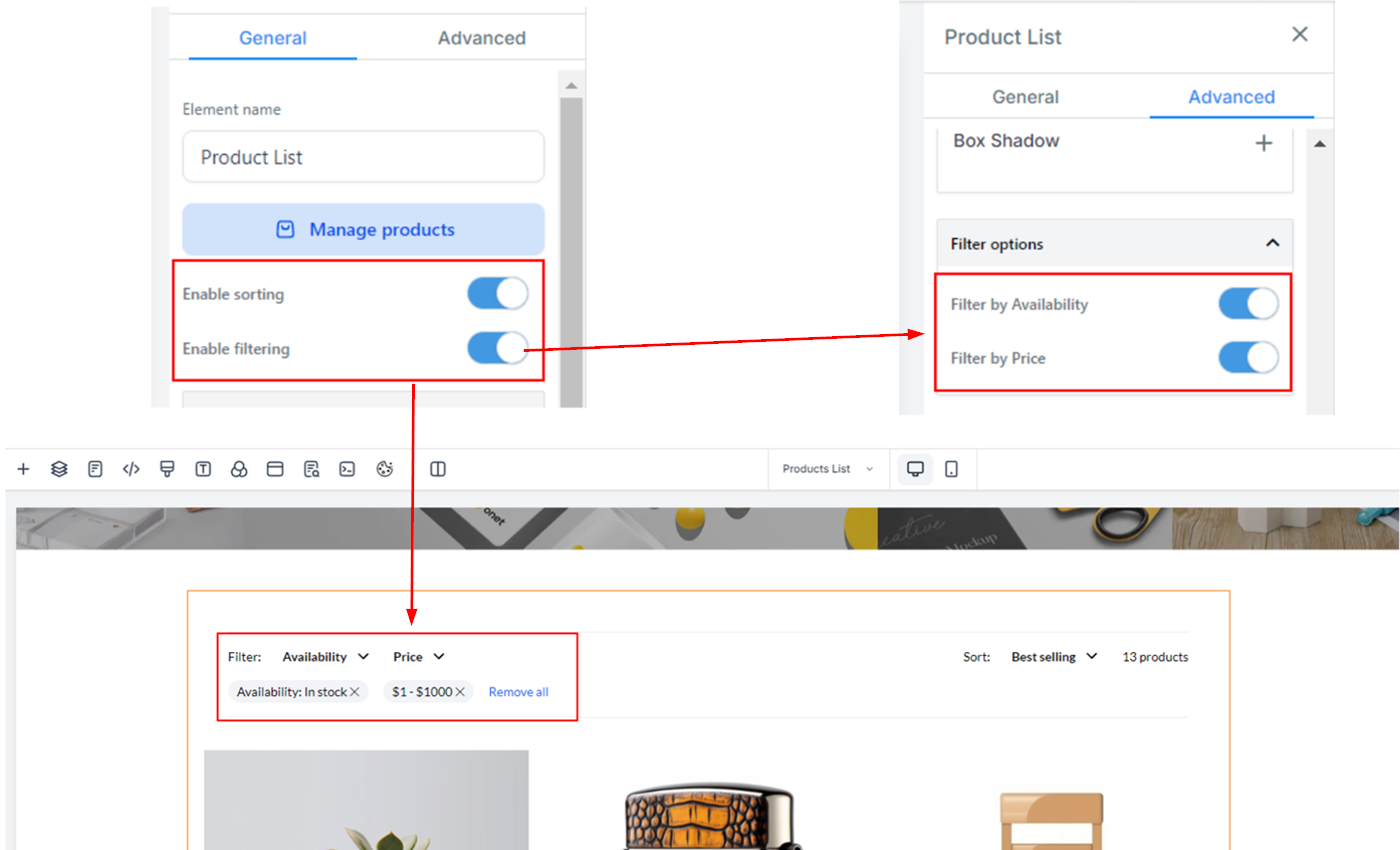
You can enable Filter and Sort to give the clients more control over the results they see. By going to Advanced you can limit the filtering to only do so based on Availability or Price.
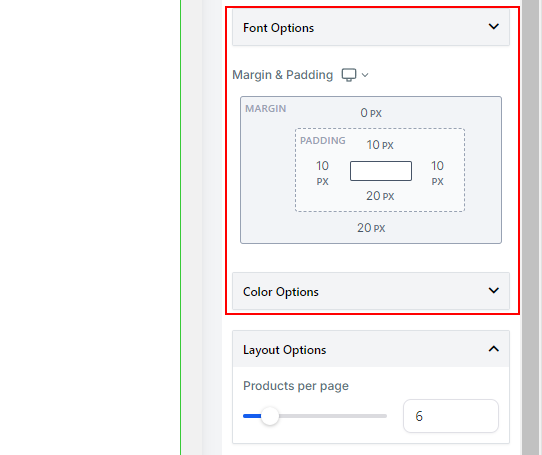
Font options let you control the look of the text related to products, you can use Google Fonts to personalize this. You can also customize the Margin & Padding and the Colors of the element.
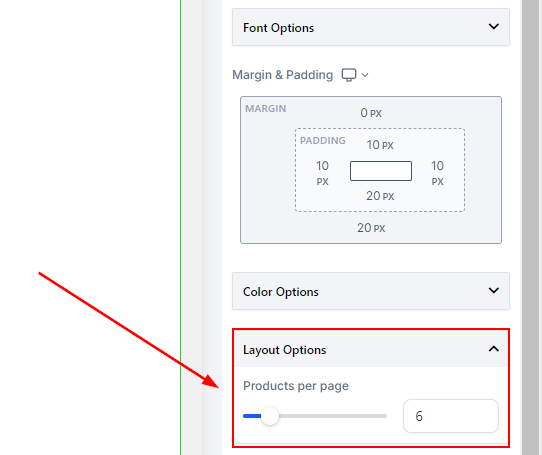
With Layout Options, you can control how many products show up per page.
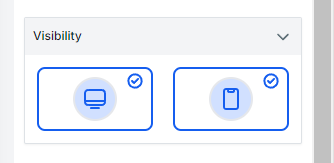
And by changing the Visibility you can make this unavailable on desktop or mobile view.
This element will be the driving force for sales in your e-commerce store and being able to customize it will give you an edge over other stores to promote your business and products and drive traffic over to your website!
📌Important Notes
- If you don't see a product listed verify that you've toggled Include in Online store.
- The default sort order is Date - Old to new
- All products will be shown without any filters by default.